Ever watched your shoulder ache after a long debug session? Mine did, loudly.
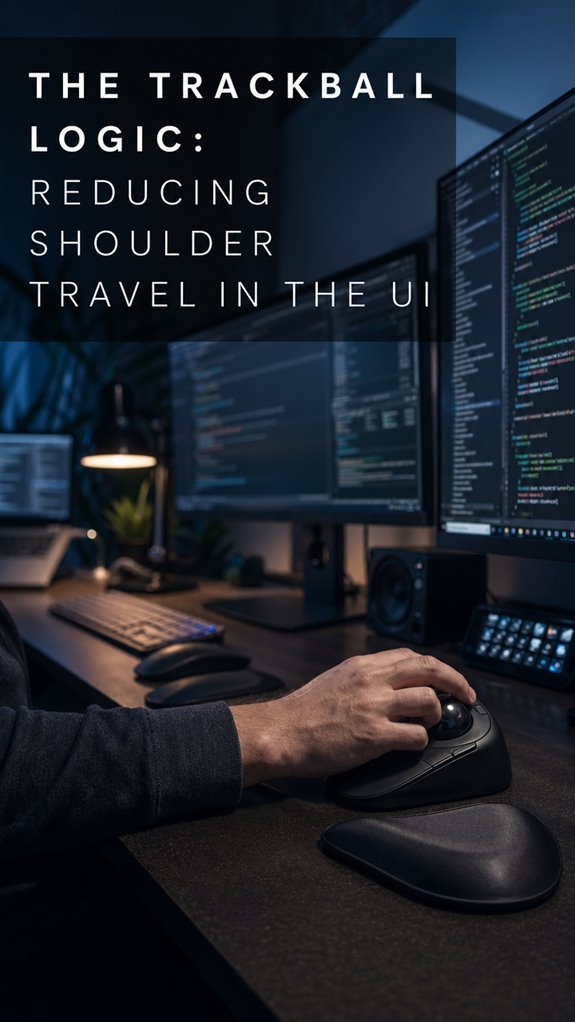
Trackball changed the game. Hand stays put. Cursor moves. No arm theater.
I used to whip that mouse across eighteen inches of desk like it owed me money. RSI crept in. Fingers went numb during standups. Humiliating.
The Elecom Huge sits under my thumb now. Ball bearings. Precision. My rotator cuff sends fewer angry postcards.
Small trackballs? Wrist curl hell. Get the big weird ones. Embrace the weirdness. Your 40-year-old self will nod silently while icing nothing.
Trackball vs Mouse Ergonomics: My Week of Frozen Shoulder Hell
Three sprints ago, I woke up unable to lift my coffee mug. Scapula locked up. Turned out, hybrid work meant laptop + couch + zero ergonomic awareness. Shoulder impingement. Physical therapy. $1400 out of pocket before insurance figured itself out.
My therapist asked about my setup. I described the mouse. She laughed. Not kindly.
Tendonitis, thoracic outlet syndrome, text neck. These cluster like dependencies in bad legacy code. Posture correction, standing desk, monitor arm. All connected. The trackball became one node in that refactor, not the whole solution.
I still rotate my cuff daily. Old debt lingers.
Quick Takeaways
- Trackballs minimize arm and shoulder movement by keeping hands stationary, reducing fatigue during extended computing sessions and desk work.
- Thumb trackballs decrease shoulder abduction and rotator cuff strain by requiring minimal shoulder repositioning compared to traditional mouse usage.
- Maintaining neutral wrist alignment and shoulder stability prevents postural drift, nerve compression risks, and blood flow reduction in the upper body.
- Proper trackball positioning at elbow distance and three inches above desk height optimizes ergonomic alignment and reduces cumulative neuromuscular stress.
- Shoulder stabilization through stationary hand positioning enhances proprioceptive feedback, supports nervous system health, and decreases long-term postural compensation injuries.
How Trackballs Eliminate Arm Repositioning
While you’re debugging a race condition at 2 AM—fingers splayed across your keyboard like you’re performing microsurgery on a mainframe—your arm’s already repositioning itself for the fifth time in as many minutes.
Trackballs invert this catastrophic design. Rather than your entire kinetic chain mobilizing across desk real estate, you’re executing cursor trajectories through finger manipulation alone. Your shoulder stays anchored. Your elbow remains stationary—a fixed deployment point. This architectural shift promotes ergonomic benefits, eliminating the repetitive micro-migrations that accumulate into repetitive strain injuries. You’re no longer playing 4D chess with your own biomechanics while debugging Kubernetes clusters.
The system stabilizes. You scale upward. Research shows that noise cancelling headphones can help create a more focused environment by reducing background distractions, much like trackballs reduce unnecessary movement.
Thumb vs. Finger Trackballs: Which Reduces Shoulder Strain?
How’s your intrinsic hand musculature holding up after eight hours of mouse-induced pronation?
You’re operating with deprecated hardware. The shoulder strain differential between thumb and finger trackballs reveals systemic architecture failures—your kinetic chain’s been load-balanced incorrectly since 2005.
Consider your options:
- Thumb trackballs distribute force across smaller muscle groups, increasing localized fatigue.
- Finger trackballs engage larger motor units, reducing per-fiber stress.
- Thumb models require less shoulder abduction, minimizing rotator cuff strain.
- Finger variants demand sustained proximal stabilization.
- Neither eliminates the fundamental problem: you’re still tethered to your desk. Cognitive performance can be enhanced by choosing the right input device.
The ghost in your machine isn’t the input device. It’s postural architecture degradation. Upgrade your entire system. Recent advancements in smart bulbs can also enhance your overall workspace environment, improving productivity and reducing strain.
Why Staying Still Matters: The Biomechanics Explained
You’ve been treating stillness as a luxury when it’s actually your system’s primary defense mechanism against cascading failures. When you’re constantly repositioning your arm—what we’ll call “shoulder travel”—you’re triggering a cascade: postural drift, C5-C6 compression, reduced blood flow to your forearms.
Your nervous system’s executing real-time calculations while simultaneously running background processes it wasn’t designed for. The trackball eliminates this redundant I/O operation. You’re not just reducing motion; you’re decreasing systemic load. Moreover, high-quality earbuds can play a role in reducing distractions, allowing for more focus in your posture maintenance.
Think of it architecturally: fewer system calls mean fewer context switches. Your proprioceptive feedback loop stabilizes. You’re fundamentally implementing caching at the biomechanical level—staying put optimizes your entire stack’s throughput. Moreover, using supportive pillows during pregnancy can provide essential comfort that minimizes unnecessary movement and improves overall posture.
Set Up Your Trackball Right
The biomechanical optimization you’ve architected through stillness means nothing if you’re configuring your trackball like you’re debugging someone else’s legacy code—with no documentation and minimal attention to boundary conditions.
You’re fundamentally deploying untested infrastructure into production. Consider this your pre-flight checklist:
- Ball tension calibration: Match resistance to your grip pressure, not your anxiety levels
- Height alignment: Wrist neutral, not flexed like you’re perpetually reaching for expired Stack Overflow answers
- Surface positioning: Dominant hand’s sweet spot, approximately elbow-distance away
- Sensitivity tuning: Start conservative; aggressive settings breed drift errors
- Break-in protocol: Forty-eight hours minimum before declaring victory
Your shoulder’s microservices depend on this foundational architecture. To support your long-term comfort, consider the benefits of a white noise machine to mask distracting sounds while you work.
Avoid These Common Setup Mistakes
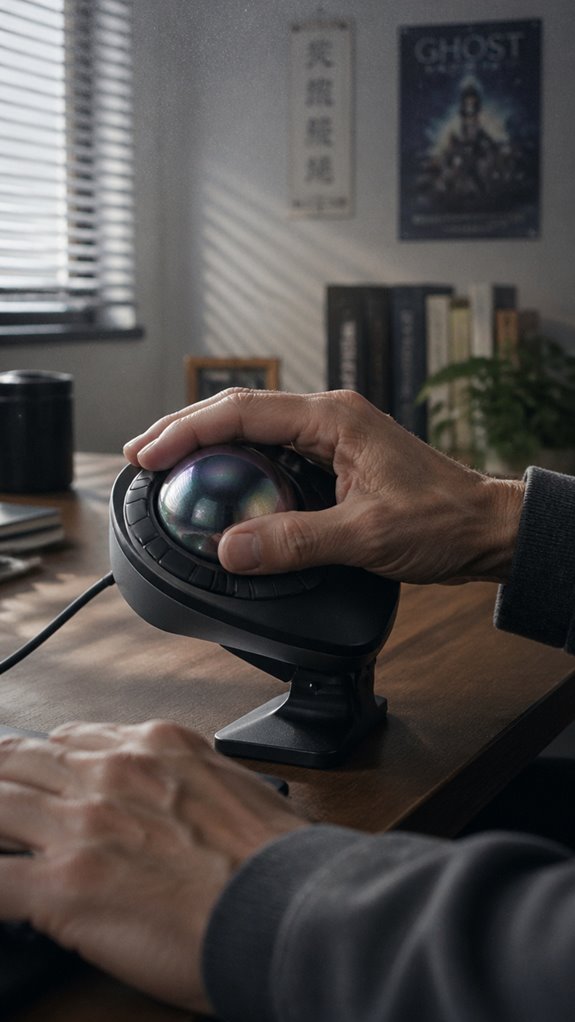
When you’re operating on legacy hardware—your own skeletal frame, that is—misconfiguring your trackball setup doesn’t trigger a graceful degradation; it cascades into a system-wide failure you won’t notice until your cervical spine starts throwing NullReferenceExceptions at 2 AM.
Don’t position your trackball at desk height; elevate it three inches minimum.
Your forearm shouldn’t pronate excessively—that’s where repetitive strain accumulates like technical debt.
Avoid oversensitivity settings. You’re not debugging with a neural interface; precision beats speed.
Mount it centrally, not peripherally.
Asymmetric load distribution is a memory leak in biological systems.
These aren’t preferences. They’re architectural requirements. A well-designed setup can enhance human biomechanics, reducing the risk of strain and injury.
Switch From Mouse to Trackball Without Losing Speed
Correct configuration alone won’t grant you speed; you’ll still type like you’re operating a touchpad on a 2005 ThinkPad for approximately two weeks. Your motor cortex needs retraining—a debugging process without breakpoints. The adaptation phase involves systematic neurological recalibration:
- Isolate your trackball exclusively; eliminate mouse access entirely
- Practice circular motions during low-stakes tasks (Slack, documentation)
- Calibrate DPI settings incrementally across development environments
- Execute repetitive cursor movements during unit test cycles
- Monitor acceleration curves against your baseline performance metrics
Your fingers will betray you initially. This isn’t weakness; it’s merely your cerebellum’s legacy codebase refusing patches. Additionally, choose the perfect meditation stool to cultivate focus and reduce ergonomic strain during extended sessions. Incorporating short breaks into your routine can also enhance your overall productivity during this transition.
Trackballs Eliminate Repetitive Reaching
Since you’ve spent the last decade architecting distributed systems while your shoulder socket architected its own failure cascade, you’ll recognize that repetitive reaching represents a macro-level ergonomic design flaw—the kind of system inefficiency we’d ruthlessly refactor in production code but somehow tolerate in our own skeletal infrastructure.
A trackball eliminates this anti-pattern entirely. Your hand remains stationary; the ball rotates beneath your palm. No reaching. No traversal overhead. It’s elegant constraint-based design applied to biology.
Your rotator cuff won’t thank you—it’ll simply stop filing exceptions during your 14-hour debugging sessions.
Trackballs Require More Finger Dexterity
The ergonomic win evaporates the moment you attempt precision cursor placement at sub-pixel tolerances. You’re trading shoulder fatigue for finger strain—a lateral move in the ergonomic hierarchy that nobody celebrates in retrospectives.
Consider what you’re actually doing:
- Executing fine motor control through ballistic flicking and micro-adjustments
- Maintaining isometric tension in your digits while compensating for acceleration curves
- Calibrating proprioceptive feedback across inconsistent surface friction
- Wrestling with the trackball’s resistance coefficient during extended debugging sessions
- Sustaining cognitive load while your fingers execute what your shoulder previously handled
Your hand becomes the bottleneck. The system didn’t improve; you’ve merely redistributed the load. It’s an infrastructure refactor nobody asked for. Additionally, the effectiveness of a posture corrector can vary greatly depending on individual ergonomic needs. Incorporating walking breaks can alleviate some of the strain caused by prolonged trackball use.
Ergonomic Wrist Strain Prevention
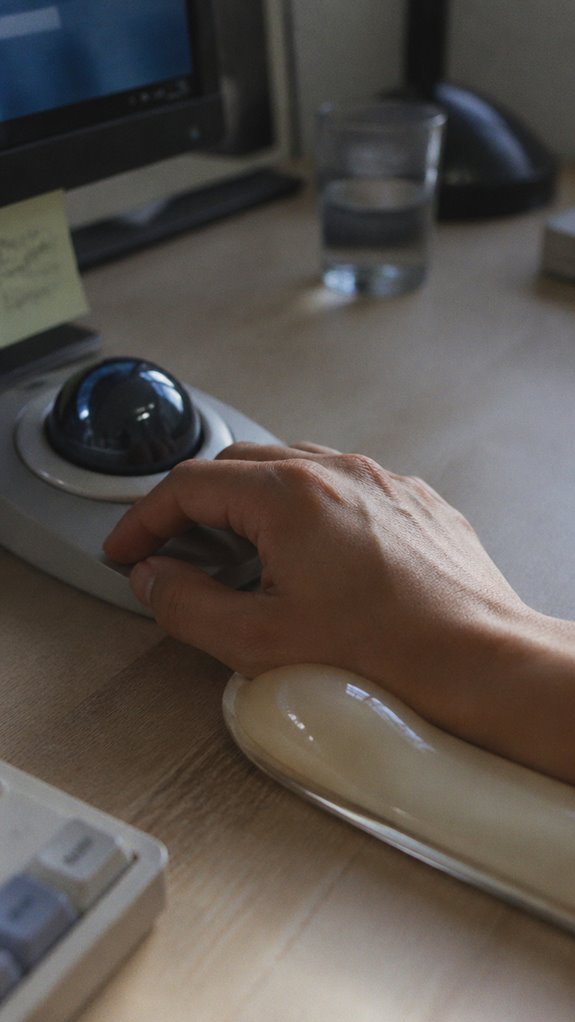
How’d you think your wrist’s going to hold up when you’re debugging a production incident at 2 AM, executing thousands of ballistic micro-corrections while your radial nerve’s already screaming from yesterday’s sprint?
Trackballs eliminate the repetitive ulnar deviation that traditional mice enforce during extended debugging sessions. Your wrist maintains neutral alignment throughout ballistic tracking, substantially reducing cumulative strain on flexor carpi ulnaris and extensor carpi radialis.
The stationary ball architecture minimizes pronation-supination cycles—those insidious micro-rotations that compound tendinitis across marathon refactoring marathons. Proper support from gel wrist rests can further enhance your comfort during long hours of coding.
Ergonomic infrastructure upgrade: non-negotiable system requirement, not wellness theater.
Your nervous system will appreciate the architectural decision.
FAQ
How Much Does a Quality Trackball Cost Compared to a Standard Mouse?
You’ll typically spend $40–$100 on a quality trackball versus $15–$30 for a standard mouse. The premium reflects superior ergonomics, precision engineering, and durability that justify the investment for demanding users.
Can Trackballs Work With All Computer Operating Systems and Software?
You’ll find that trackballs work universally across Windows, macOS, and Linux systems. They’re recognized as standard input devices, so you won’t encounter compatibility issues with contemporary software or operating systems.
Do Trackballs Perform Well for Gaming or Fast-Paced Applications?
You’ll find trackballs challenging for competitive gaming due to their slower cursor acceleration and precision limitations. They’re better suited for productivity tasks where you don’t need rapid, sustained pointer movements or flick-based controls.
How Often Should I Clean My Trackball to Maintain Performance?
You’ll want to keep your trackball rolling by cleaning it weekly. Remove dust buildup from the ball and sensor ports to maintain precision tracking. Regular maintenance prevents performance degradation and extends your device’s lifespan substantially.
Are Trackballs Suitable for Left-Handed Users, or Right-Handed Only?
You’ll find trackballs work equally well for both left and right-handed users. You can position the device wherever suits your hand dominance, and ambidextrous models exist. You’re not limited by handedness when choosing trackballs.