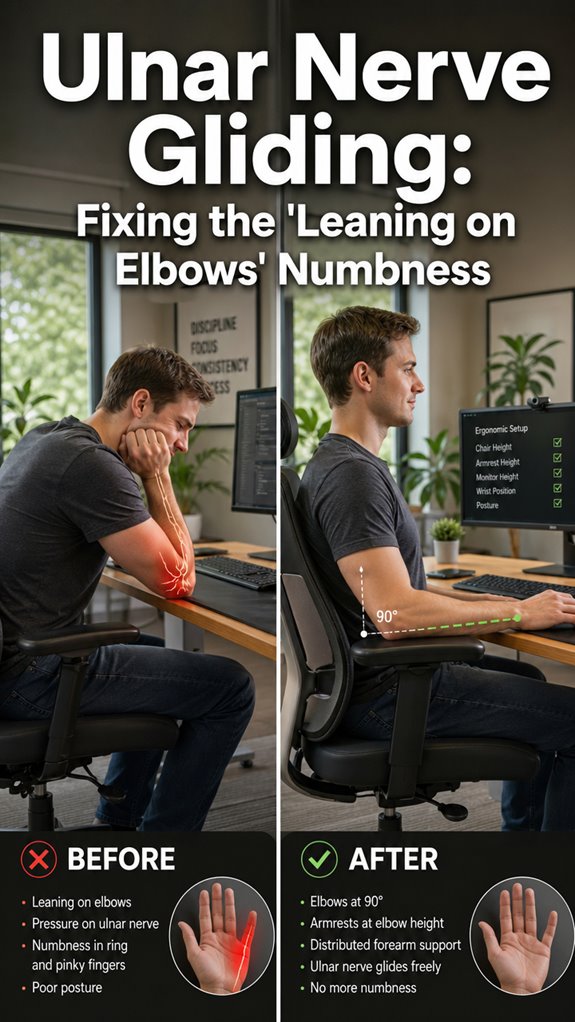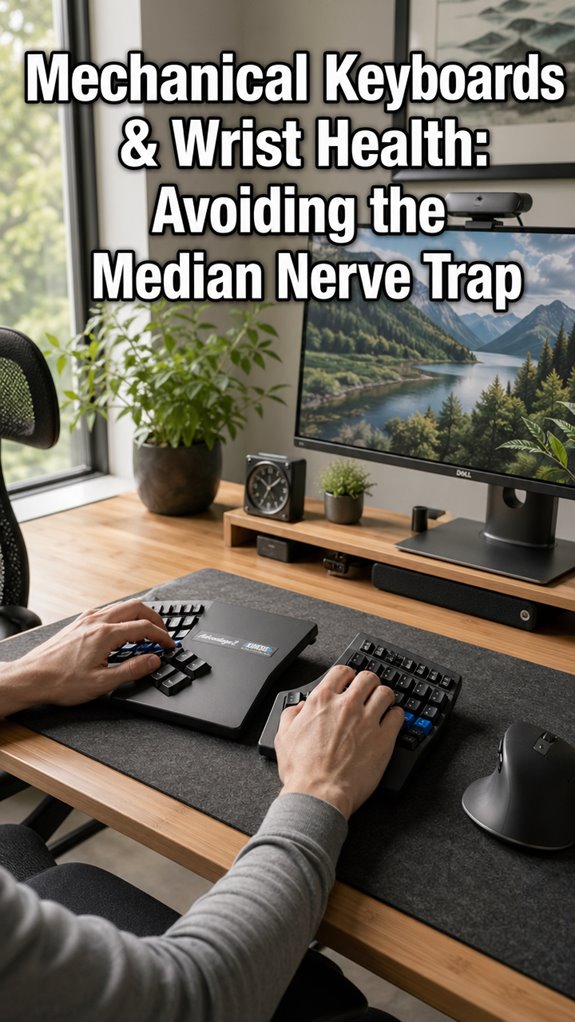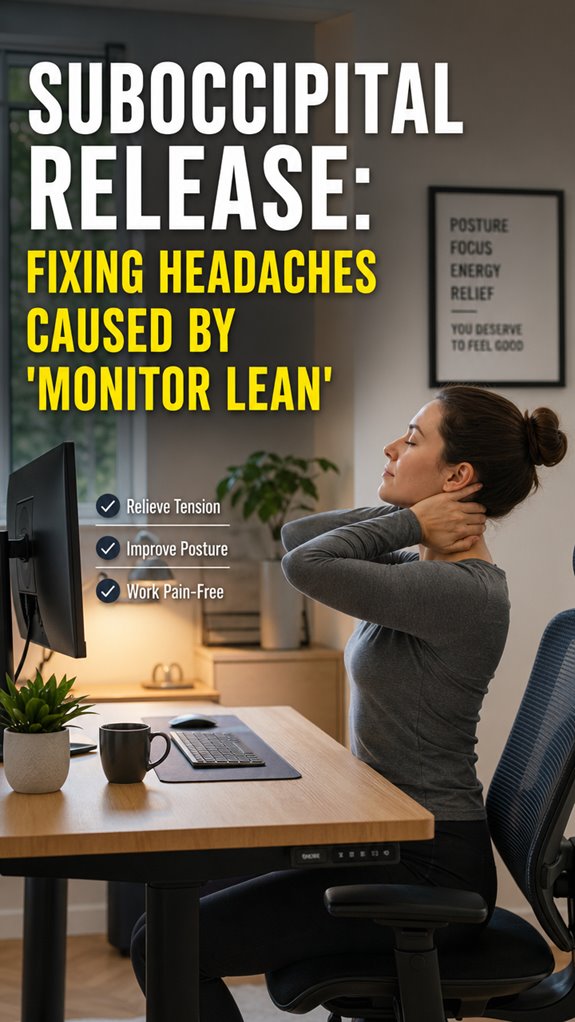
Ever catch yourself doing the zombie monitor lean at 2pm? That’s your suboccipital muscles plotting their revenge.
I spent six months treating tension headaches like a “feature, not a bug.” Then I found the fix: press two fingertips at the skull base (behind your earlobes), hold 20–30 seconds. Breathe. Release. Stretch after. Game changer.
Your posture tracker might lie, but your neck doesn’t. Mine screamed daily until I started debugging those muscle knots like actual production issues. Small investment, massive ROI.
Why My Standing Desk Made My Neck Pain Worse (And How I Fixed It)
Thought I hacked ergonomics with a fancy Varidesk. Spoiler: standing wrong hits different. My traps compensated for lazy core engagement. Shoulder blade positioning, thoracic mobility, eye-level monitor height—I ignored all of it. The result? Same pain, new altitude. Now I microbreak every 25 minutes, chin tucks included. Desk setup matters, but movement hygiene kills the root cause.
Quick Takeaways
- Locate tender suboccipital muscles at the base of the skull and apply gentle pressure for 20-30 seconds to release tension.
- Use self-massage techniques to identify knots and apply steady pressure to reduce trigger points causing headaches.
- Incorporate regular neck stretches and mobility exercises to prevent muscle tightness from monitor leaning.
- Adjust monitor height and desk setup to maintain proper posture, minimizing strain on suboccipital muscles.
- Incorporate ergonomic supports like pillows or cushioning to keep cervical alignment optimal and reduce headache triggers.
How to Recognize Suboccipital-Related Headaches
When debugging chronic headaches originating from your occipital zone, recognize that your nervous system’s feedback loop might be suffering from trigger points or nerve compression—akin to a memory leak in a poorly optimized codebase.
Address occipital headaches like debugging complex code—trace trigger points and nerve compression to prevent system crashes.
You’ll notice these errors manifest as localized discomfort, often radiating like a system error cascading downstream. Suboccipital headaches often mimic high CPU usage—pressure at the skull base, radiating posteriorly.
Debugging involves identifying neural misfires, possibly related to trigger points or nerve compression, which disrupt head/neck coordination—precisely what makes your human infrastructure crash.
A real-world “Ghost In The Shell” scenario, where misfiring signals create chaos at the hardware level. Furthermore, similar to choosing a matte vs glossy monitor for optimal performance, the clarity of your workspace can also affect neural efficiency.
What Are Suboccipital Muscles and How Do They Cause Headaches
The suboccipital muscles, the tiny hardware nodes nestled at the base of your skull’s neural architecture, function as the firmware responsible for head/neck coordination, the critical kernel module that keeps your fragile human interface operational.
- Their muscle anatomy acts like a complex command hierarchy, transmitting signals along nerve pathways that are as essential as bandwidth in a server cluster. For effective energy management, many people turn to caffeine gum, which can provide that extra boost when needed.
- When poor posture—think “monitor lean”—overloads them, these muscles become CPU throttled, causing upper neck pain radiating into your skull’s core.
- As system administrators of movement, they latch onto nerve pathways, creating bottlenecks that manifest as tension headaches—think of it as a software bug in your biomechanical OS.
- Without proper release, this hardware malfunction sustains, commandeering your brain’s processing power and leading to a frequent crash—your headache.
- This disruption can also contribute to blurry vision due to neurovisual connections that are affected by strained neck muscles.
Effective Self-Release Techniques for Headache Relief
Addressing the hardware bottleneck at the base of your skull requires executing precise, self-administered protocols that mirror a bug fix in a notoriously flaky OS—think of it as a “release patch” for your biomechanical firmware. To enhance your sitting experience, consider piriformis pain relief techniques that can help prevent additional discomfort. Staying hydrated while at work is essential for overall health, including mental clarity and focus.
Identify suboccipital anatomy, locate trigger points, and apply targeted pressure akin to debugging code.
| Step | Action | Tip |
|---|---|---|
| 1 | Locate muscles | Use fingertips, feel for knots |
| 2 | Apply steady pressure | Avoid discomfort, simulate user feedback loops |
| 3 | Sustain hold | 20-30 seconds, recompile, repeat 3-5x |
| 4 | Gentle stretch | Reset nested processes, reboot system |
Implement this protocol to optimize your human firmware—less “ghost in the shell,” more refined code.
Tools and Tips to Calm Tension at Your Desk
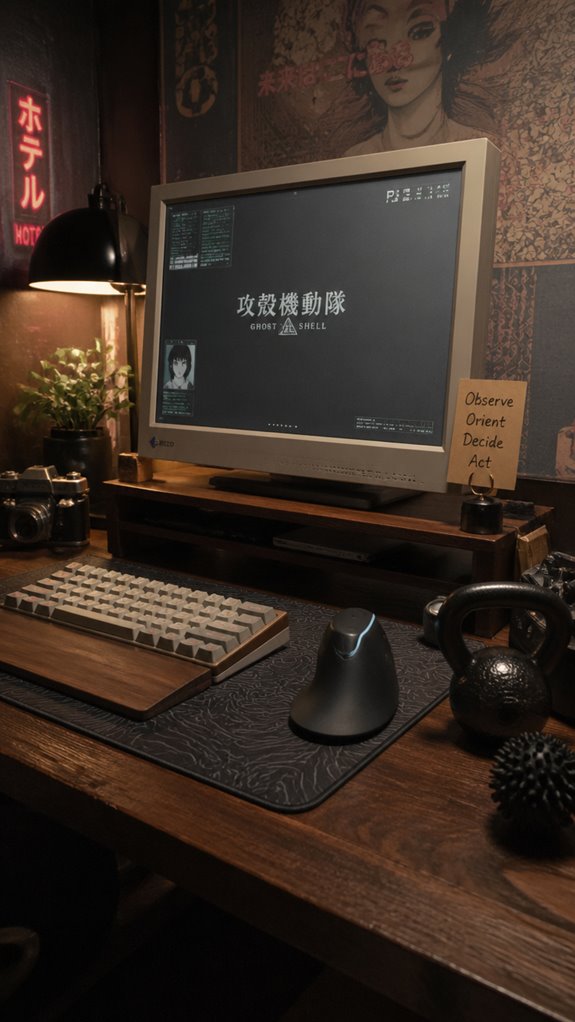
In the relentless cycle of keep-alive signals and user input streams, your seated workstation architecture often succumbs to netcode latency—namely, the accumulation of tension at the subclinical hardware layer of your cervical interface.
To optimize, you must deploy tools and tips that debug this neural memory leak:
To optimize, deploy tools and tips that debug this neural memory leak—preventing system crashes from persistent tension.
- Use the KNUKLBALL—your version of a hardware patch—at skull base, recalibrating cervical “firmware.” Additionally, using top vertical mice can significantly reduce wrist strain and improve overall comfort during extended computer use.
- Implement micro-breaks akin to system refreshes, resetting neck tension before it triggers headaches.
- Integrate ergonomics like a software patch—proper monitor height, keyboard positioning—to avoid “monitor lean.”
- Leverage self-massage scripts (knuckles against the wall) to clear muscle “cache”—akin to a cache flush—preventing tension from becoming an unresponsive process.
Additionally, be aware that electric shock feelings can manifest in the neck due to excessive tension in the cervical region, signaling the body’s response to a nerve impingement or muscle strain.
Incorporating Daily Self-Release Routines for Long-Term Relief
Implementing daily self-release routines functions much like scheduled system patches—an essential maintenance protocol designed to prevent cumulative tension leaks crashing your ergonomic framework.
You’re the devdebugging your body’s suboccipital engine, deploying tension management scripts through self-massage, stretching, and alternative therapy. These micro-updates bypassing the monitor-leans prevent head ‘software corruption’—much like patching a memory leak in Ghost in the Shell.
Regularly executing these routines ensures the subsystem runs smooth, avoiding volleys of tension-induced errors. Like updating firmware before a system failure, your proactive approach maintains stability, keeps headaches at bay, and treats your cervical hardware like mission-critical infrastructure instead of a fragile, misconfigured script.
My Experience With Ergonomic Cushions
Charting the ergonomic terrain after patching the suboccipital tension routines often resembles debugging a shaky system—small hardware support tweaks can cascade into software conflicts.
- Prioritize muscle physiology, mapping trigger points that sabotage stability.
- Recognize how monitor lean acts as a rogue script, misaligning cervical support—crucial in optimizing system uptime.
- Implement ergonomic cushions as firmware updates—vital for preventing human-system crashes.
- Understand that adjusting hardware without addressing trigger point-induced tension is akin to refactoring code without addressing memory leaks—ineffective at best.
In this network, the human body is a fragile, bug-ridden OS, and cushions are our latest patch, ensuring that—like Neo in “Ghost in the Shell”—we avoid total system collapse.
Early Signs of Neck Strain
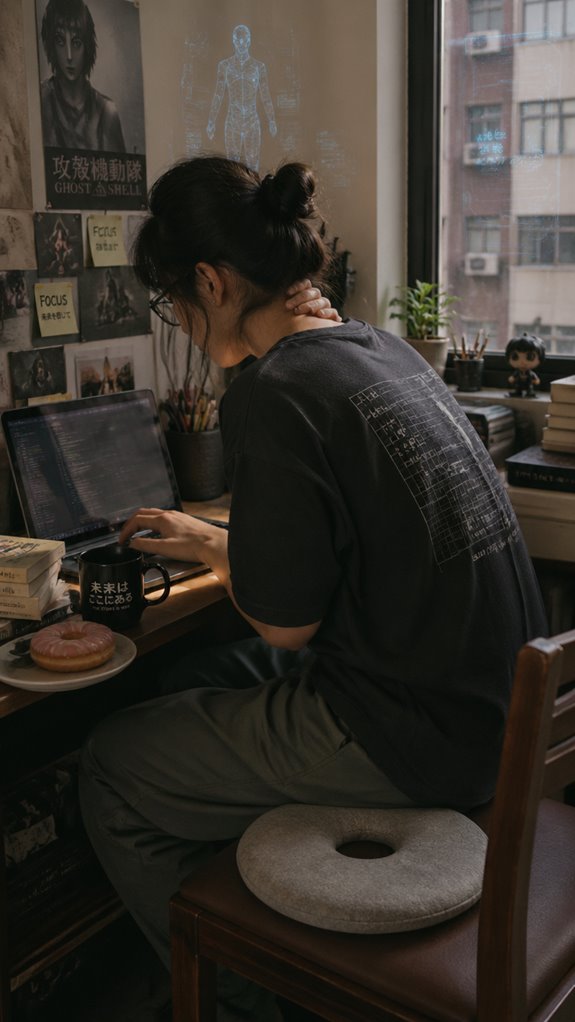
Have you ever experienced a sudden breakpoint in your physical code—an abrupt alert signaling catastrophic failure before your productivity crashes? That’s your nervous system’s equivalent of a dangling pointer. Recognize early signs like neck muscle tension, sharp pain, or stiffness that throttles neck mobility—a debug mode indicating stress management or a potential bug in posture handling.
Spasms and tenderness serve as runtime exceptions, while radiating pain mimics a memory leak under load, echoing multiple system failures. Ignoring these warnings risks secondary symptoms—headaches or dizziness—akin to a system lockup. Incorporating techniques such as binaural beats can help enhance your focus during deep work sessions, providing a supportive environment for recovery. Additionally, utilizing donut seat cushions may alleviate pressure and promote better alignment while seated, aiding in your overall comfort.
Regular self-assessment and quick patch works better than waiting for a full system restart—your hardware will thank you.
Cervical Spine Mobility Exercises
In the grand schema of human interface, cervical mobility functions akin to a core API endpoint—an often-overlooked yet critical access point responsible for maintaining seamless data flow between brain and body. Here’s your code to elevate performance:
Cervical mobility is the essential API gateway ensuring smooth communication between brain and body systems.
- Prioritize neck stretching routines—think of them as schema migrations for your cervical database—improving robustness against monitor lean-induced crashes.
- Integrate targeted mobility exercises to reduce latency in head-tilt handshakes—decrease the load on upper cervical processing nodes.
- Test for bottlenecks—stiffness that causes systemic errors—using self-massage as your debugging tool. Additionally, numb feet can occur from prolonged poor posture, so be mindful of your lower body’s alignment.
- Recall: this isn’t just about flexibility; it’s about restoring core system integrity in your biological infrastructure. Additionally, consider incorporating top seat cushions to support proper posture during long periods of sitting, alleviating strain on the cervical spine.
Posture-Correcting Ergonomic Pillows
A misaligned cervical interface, much like a poorly implemented API in “Ghost in the Shell,” can cascade into systemic failures—chiefly, neck tension and cranial discomfort that degrade user performance and productivity.
Posture-aware design doesn’t just enhance comfort; it functions as a critical interface patch, correcting ergonomic flaws at the source. Enter posture-correcting ergonomic pillows: the hardware upgrade your neural architecture desperately needs. These pillows are often designed to accommodate best orthotic insoles to further support alignment.
These tools, crafted with precise ergonomic design, actively calibrate your cervical data flow, preventing head-forward drift and reducing suboccipital strain. Incorporating routine stretches into your day can further optimize your posture and alleviate those persistent aches.
Enhancing posture awareness isn’t optional; it’s the baseline for maintaining peak system uptime and preventing those obscure, migraine-like bugs in your workflow.
Desk Height Adjustments
Misaligned desk ergonomics are like a rogue API calling into chaos—every misfire propagates errors downstream, causing suboccipital overload and cranial stack trace errors. To prevent system crashes, prioritize:
Misaligned ergonomics trigger digital-like errors, risking overload—fine-tune your setup for a seamless, crash-free workflow.
- Precise desk height adjustments to achieve ideal work-zone posture.
- Regular neck stretches to recalibrate the biomechanical pipeline.
- Posture correction routines akin to code refactoring, removing redundant tension.
- Smart hardware like adjustable desks, masking the inefficiency of static setups.
Ignoring these leads to a fragile system, prone to overload from monitor lean. Just like in “Ghost In The Shell,” when the infrastructure collapses, only rigorous maintenance preserves operational integrity—human or otherwise.
FAQ
Can Suboccipital Release Techniques Prevent Future Headache Episodes?
Yes, by releasing trigger points in your muscle fibers, you loosen tension and prevent future headaches. Regular suboccipital techniques target tight muscles, reducing the risk of recurrent pain caused by monitor lean and neck strain.
Are There Specific Signs Indicating Muscle Knots in Suboccipital Muscles?
You’ll notice tightness, tenderness, or knots during muscle palpation, indicating trigger point identification. These signs reveal muscle knots in your suboccipital muscles, helping you target precise pressure to release tension and reduce headache intensity effectively.
How Often Should I Perform Self-Release Exercises for Optimal Results?
Think of your muscles as a battlefield; self-massage frequency, ideally daily or every other day, keeps pain at bay. For ideal results, perform releases in strategic moments, like after work or during breaks, to maximize relief.
Is It Safe to Perform Suboccipital Release at Home Without Professional Supervision?
You can safely perform self-massage methods at home for suboccipital release if you follow proper techniques, but consulting professional therapy options guarantees safe, effective, and tailored treatment, especially if you experience severe or persistent headaches.
Can Suboccipital Tension Cause Symptoms Beyond Headaches, Like Dizziness?
Suboccipital tension can cause dizziness symptoms because tight muscles may compress nerves or blood vessels, disrupting balance. You need to address this tension promptly to regain control, reduce dizziness, and prevent further neurological issues effectively.
Summary
If your neural architecture is consistently bogged down by “monitor lean” bugs, optimizing suboccipital release routines is akin to patching a leaky kernel—imperative for system integrity. When desk ergonomics resemble patchy legacy code, the resulting head and neck crashes are predictable. Think like a sysadmin: preemptive maintenance prevents catastrophic failure. So, isn’t it time to debug your workspace before Small-Scale Headache Exceptions escalate into full-blown system outages? After all, even in tech, a proper update beats endless manual restarts.
References
- https://www.youtube.com/watch?v=b-yngm7aYXs
- https://www.youtube.com/watch?v=jSXF2gcYS_g
- https://www.ncbi.nlm.nih.gov/books/NBK582126/
- https://insightcla.com/blog/suboccipital-tension/
- https://www.youtube.com/watch?v=OKLpOBgOEcA
- https://pscharlotte.com/how-to-treat-tension-headaches-naturally/
- https://www.knuklball.com/pages/protocol-suboccipital
- https://neckslevel.com/blogs/news/suboccipital-muscle-release
- https://orthoinfo.aaos.org/en/diseases–conditions/neck-sprain/
- https://www.uchealth.org/diseases-conditions/neck-strain/
- https://www.orangeorthopaedics.com/neck-strains-sprains-orthopaedic-treatments-irvine-ca/
- https://www.arlingtonortho.com/conditions/spine-care/spine-neck-sprain/
- https://advancedspineandpain.com/2025/08/13/neck-pain-warning-signs/
- https://www.health.harvard.edu/pain/when-to-seek-immediate-medical-attention-for-neck-pain
- https://my.clevelandclinic.org/health/symptoms/21179-neck-pain