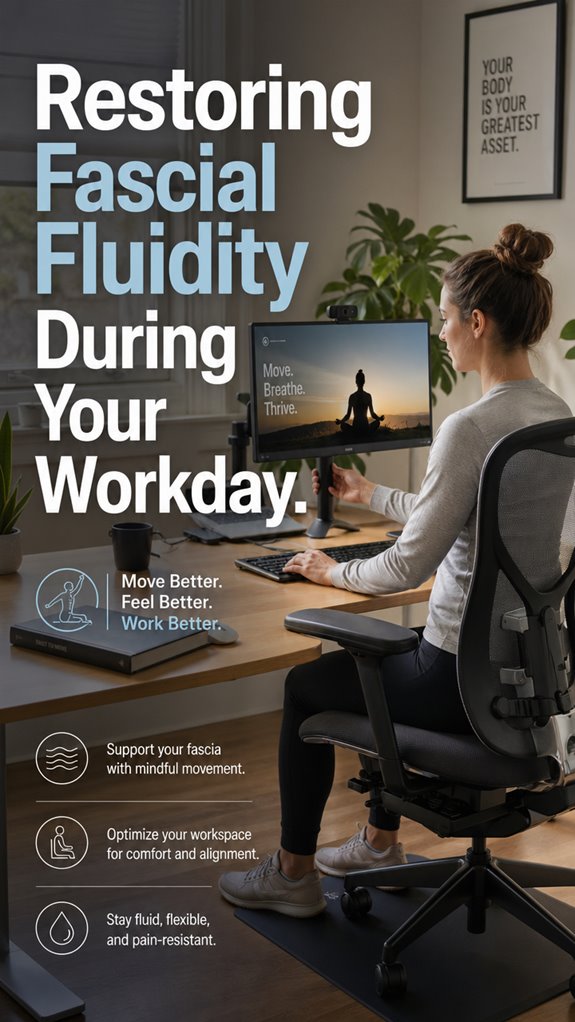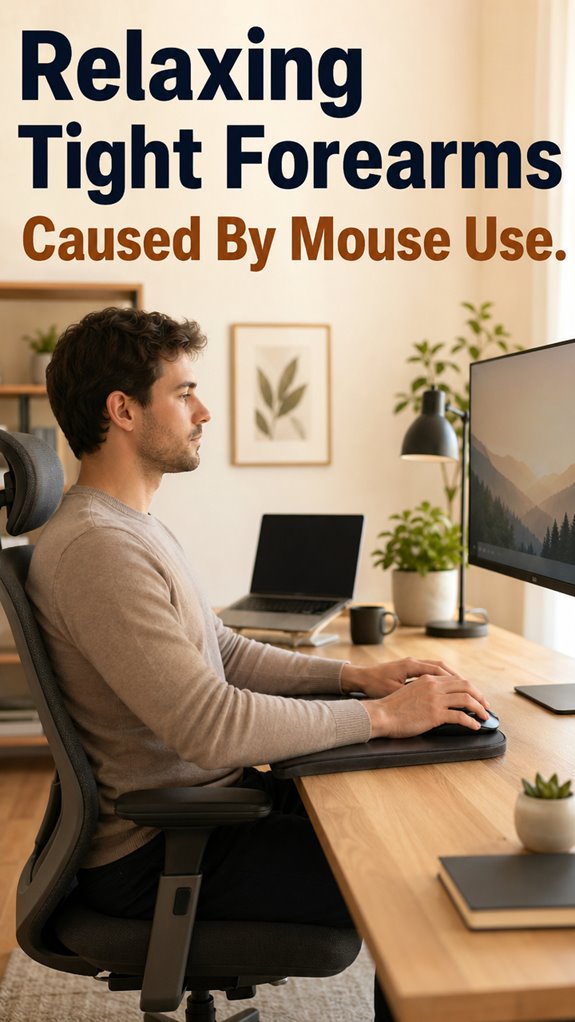
Why does my forearm feel like it’s running legacy code? Because it is. Years of death-gripping my Razer mouse while debugging at 2am left my tendons screaming for a refactor.
The pain started subtle. A dull ache. Then sharp zaps during standups. My “ergonomic” setup? A joke. Chair too high. Mouse pad from 2015. Zero breaks because “just one more commit.”
I fixed it: micro-stretches between PR reviews, vertical mouse, armrests actually supporting my arms. Took three weeks to deploy.
Your body alerts on warnings. Ignore them? Production goes down. Permanently.
Forearm Pain From Poor Mouse Ergonomics: A Developer’s Cautionary Tale
Two years back, I ignored tingling in my right arm for months. Kept grinding. Then I couldn’t open a jar. Diagnosis: early RSI. Physical therapy, $400 ergonomic mouse, daily stretching protocol. Lost six weeks of coding. The kicker? My “productivity” mindset caused it. Now I track Pomodoros religiously. Standing desk helps too. Your future self pays for shortcuts today.
Quick Takeaways
- Perform wrist rotations and micro-stretches to reset muscle tension during breaks from mouse use.
- Incorporate ergonomic tools like vertical mice and forearm supports to reduce strain and promote relaxation.
- Schedule regular breaks every 30-60 minutes to prevent muscle fatigue and allow for natural muscle resets.
- Maintain proper posture with monitor at eye level and elbows at 90-degree angles to minimize tension.
- Use quick stretching routines and micro-updates to alleviate tightness before it worsens.
How to Spot and Understand Forearm Tightness From Mouse Use
When your forearms start to scream louder than your cranky compiler after the tenth failed build, it’s a clear sign that something’s deeply misaligned in the user-CPU interface—otherwise known as your workspace ergonomics. You’re experiencing abnormal muscle tension, palpable stiffness, and perhaps a nagging ache akin to defective logic halting execution.
These symptoms aren’t random crashes; they’re indicators that your biological processes are misfiring, much like a kernel panic in hardware. Recognize the telltale signs: persistent tightness, decreased dexterity, and tingling that feels like a system’s trying to throw a debugging breakpoint in your nerve pathways. Moreover, adopting perfect desk setup techniques can significantly reduce strain on your forearms and enhance overall comfort during prolonged mouse use.
Quick Stretches to Relieve Forearm Tension Instantly
Before the system overrides your CPU with ominous lag, it’s essential to recognize that a few rapid boolean checks—aka quick stretches—can patch the driver errors manifesting as forearm tension.
You’ll want to execute these functions with surgical precision, like debugging a stubborn kernel panic. Extend your arm with intentionality, flexing and releasing in discrete commands.
Flip the wrist, perform the “gesture of the ghost in the shell,” and monitor for immediate relief signals—essentially, a rollback to baseline.
These micro-update scripts aren’t perfect, but they’re necessary patches in the ongoing operation of your ergonomic code. Engaging in monotasking strategies can help you focus better on these stretches. Run them now—because the system must stay responsive before total crash.
Adjust Your Desk Setup to Prevent Forearm Strain
In the grand iterative process of optimizing your ergonomic interface, adjusting your desk setup acts as the critical middleware preventing your CPU—your body—from overheating under relentless keystrokes.
As in software debugging, a misaligned workspace leads to bottlenecks—tense forearms, nerve compression, and an inevitable system crash. Align your monitor to eye level, declutter your desk to reduce unnecessary movements, and adjust your chair height for a 90-degree elbow angle. Regularly shifting positions or taking frequent breaks can also help mitigate tension and discomfort.
This setup slashes the debug cycle’s complexity, mimicking “Ghost In The Shell” where harmonious code runs glitch-free. In short, don’t just patch your code—refactor your environment before your physical infrastructure throws a fatal exception.
Top Ergonomic Tools for Forearm Support
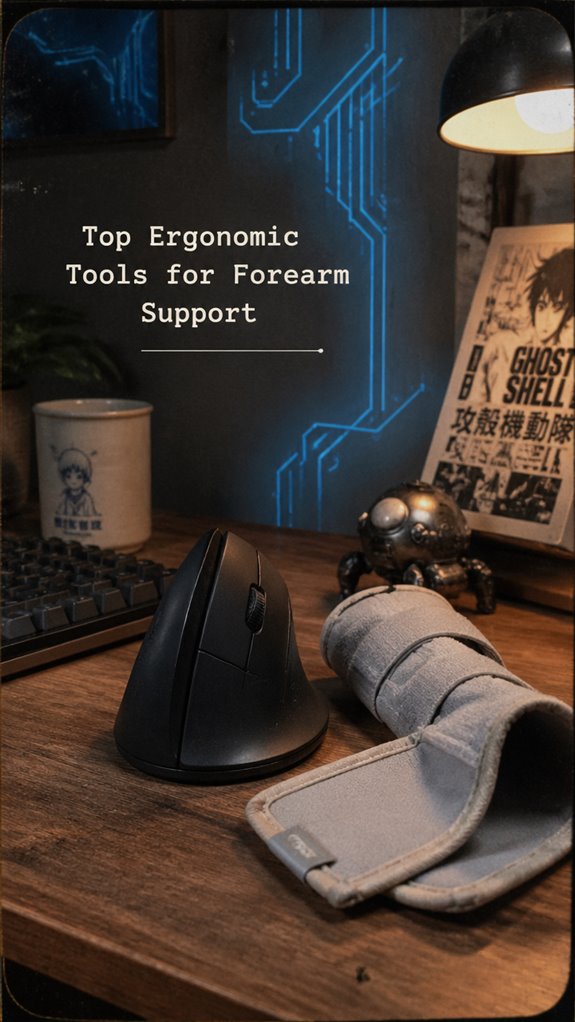
Without a properly configured ergonomic arsenal, your forearm support system resembles a legacy codebase plagued with relentless bugs—inefficient, brittle, and doomed to trigger exceptions under load.
Enter top ergonomic tools: vertical mice function like seamless refactors, enabling neutral wrist postures akin to rebooting a corrupted kernel. Brands like ErgoFeel or Ease apply optimized UI schemas, fitting your grip like a well-patched DLL. Wrist braces act as firewalls, offloading vulnerable processes—preventing “buffer overflows” of pain signals.
These solutions aren’t mere cosmetic patches but core system upgrades, ensuring your hardware—your body—operates with minimal exception handling. Like “Ghost In The Shell,” embracing superior architecture here is survival, not sentimentality.
Daily Habits to Keep Your Forearms Relaxed and Healthy
When your daily routine resembles debugging a legacy codebase—full of deadlocks, memory leaks, and unhandled exceptions—it’s critical to implement proactive habits that mitigate system overload.
- Perform microbreaks, akin to scheduled garbage collection, every 30-60 minutes, releasing stuck processes before they cause major crashes.
- Incorporate wrist and forearm stretches into your daily deployment pipeline—think of them as code refactors for physical strain.
- Use ergonomic middleware, such as a vertical mouse or braces, to realign your hardware stack, preventing catastrophic runtime failures.
- Engage in strengthening exercises, like thumb-levers for muscles, akin to patching memory leaks.
- Keep hypervigilant logs of discomfort signals—system alerts demanding immediate code rollback.
My Personal Remedy Journey
My personal remedy journey began roughly after the fifth cycle of rebooting my wrist after a lengthy debugging session—an idiom that, in practice, took on a literal, almost dystopian significance. As a senior dev stuck in an infinite loop of code compiles and error logs, I realized my hardware’s subtle failures mirrored my ergonomic neglect, causing system-wide latency—aka, forearm tightness.
I started applying targeted patches: wrist stretches as debugging routines, microbreaks as memory flushes, and switching to a vertical mouse as upgrading from deprecated drivers. The absurdity of diagnosing human muscle as a “legacy system” somehow aligned with “Ghost in The Shell” logic: control over the hardware, finally.
Persistent Aching During Stretching

Persistent aching during stretching is akin to encountering a stubborn bug in a legacy system—no matter how many patches or workarounds you deploy, the issue refuses to resolve.
You’ve initialized thorough recovery scripts: foam rolling, tendons gliding, ergonomic adjustments. Yet, the persistent pain persists, mutating like hidden software vulnerabilities.
- Soft tissue adhesions act as rogue NULL pointers causing segmentation faults.
- Scar tissue creates memory leaks, impairing pliability.
- Overuse resembles runtime bloat, slowing critical functions.
- Nerve entrapment, or the Ghost in the Shell’s mimicry, crashes the system’s flow.
- Restorative patches need more than superficial stretching—time for deep-code repair. Effective exercises can help realign the body and reduce discomfort associated with prolonged computer use.
Hand Positioning Tips
In the grand schema of ergonomic optimization, hand positioning acts as the core, yet often overlooked, module responsible for maintaining system integrity during prolonged mouse operation.
Because, as in software, neglecting foundational architecture causes cascading failures—driver crashes, memory leaks, or, here, nerve compression.
You must establish a neutral, optimized state—akin to system reboots—placing your hand in alignment with your forearm’s natural vector.
Use the vertical mouse as a kernel update, avoiding the “twist” bug that causes the entire hardware stack to overheat and crash.
Incorporating top vertical mice can significantly enhance comfort and reduce strain during extended use.
Control your input, control your pain.
Ergonomic Workspace Setup
Ever wonder how much your digital environment is quietly crashing your hardware?
- Align monitor height with eyes, reducing neck flexion, and DNS delays in cognitive throughput.
- Adjust chair height to maintain 90-degree elbows—like server virtualization but for ergonomics.
- Use an ergonomic keyboard to prevent skeletal kernel panics like ulnar deviation, blue-screen of wrist pain.
- Position mouse close and at the same level as the keyboard, avoiding the infamous “twist.exe” in your forearm.
- Incorporate vertical mice or forearm braces, akin to patch updates for your biological debugger, thwarting the biological bugs that slow you down.
- Additionally, boosting focus through regular breaks and short exercises can significantly enhance overall productivity and concentration.
FAQ
Can Forearm Tightness Lead to Long-Term Nerve Damage?
Yes, if you ignore forearm tightness, it can cause nerve damage over time due to nerve compression and inflammation. You need to address symptoms early, use ergonomic tools, stretch, and take microbreaks to prevent long-term nerve issues.
How Do I Know if My Mouse Is Causing My Pain?
Wondering if your mouse causes pain? If you notice increased discomfort, numbness, or stiffness after use, it’s likely the culprit. Switch to an ergonomic mouse and take microbreaks to regain control and reduce symptoms actively.
Are There Specific Exercises for Forearm Recovery Post-Injury?
You can do wrist extension and flexion exercises, ball squeezes, and forearm massages to recover from injury. Consistently perform these, incorporate microbreaks, and use ergonomic tools like a vertical mouse to maintain control and prevent setbacks.
How Long Does It Typically Take to See Improvement With Ergonomic Changes?
Like watching a garden bloom, ergonomic changes often show improvements within a few days to weeks. You get better control by consistently using supportive equipment, practicing stretches, and taking microbreaks, gradually easing your forearm tightness and discomfort.
Can I Use Medication to Reduce Forearm Inflammation From Mouse Use?
Yes, medication like NSAIDs can reduce inflammation, but you should consult your healthcare provider first. They can recommend the right type and dosage to control pain and swelling safely, while you also focus on ergonomic adjustments and exercises for lasting relief.
References
- https://www.protoarc.com/blogs/work-wellness/how-to-relieve-mouse-hand-pain
- https://www.youtube.com/watch?v=zBw5Z62yby4
- https://betterspine.co/blogs/blog/mouse-arm-syndrome-what-it-is-and-how-to-fix-it-before-it-gets-worse
- https://www.coxchiropracticfwcrc.com/exercise-articles/chiropractic-care-for-forearm-pain-computer-keyboard-mouse
- https://www.hingehealth.com/resources/articles/forearm-stretches/
- https://www.nomorepainergonomics.com.au/pages/forearm-pain
- https://www.youtube.com/shorts/Ky5xI9nWAzw
- https://shieldmedicalgroup.com/forearm-pain/
- https://www.youtube.com/watch?v=3uMwmx5wWzw
- https://www.medicalnewstoday.com/articles/320782
- https://www.thevesey.co.uk/blog/forearm-pain-when-lifting
- https://excelsportspt.com/dealing-with-muscle-pain-in-your-forearm-check-out-these-8-possible-causes/
- https://www.healthline.com/health/forearm-pain