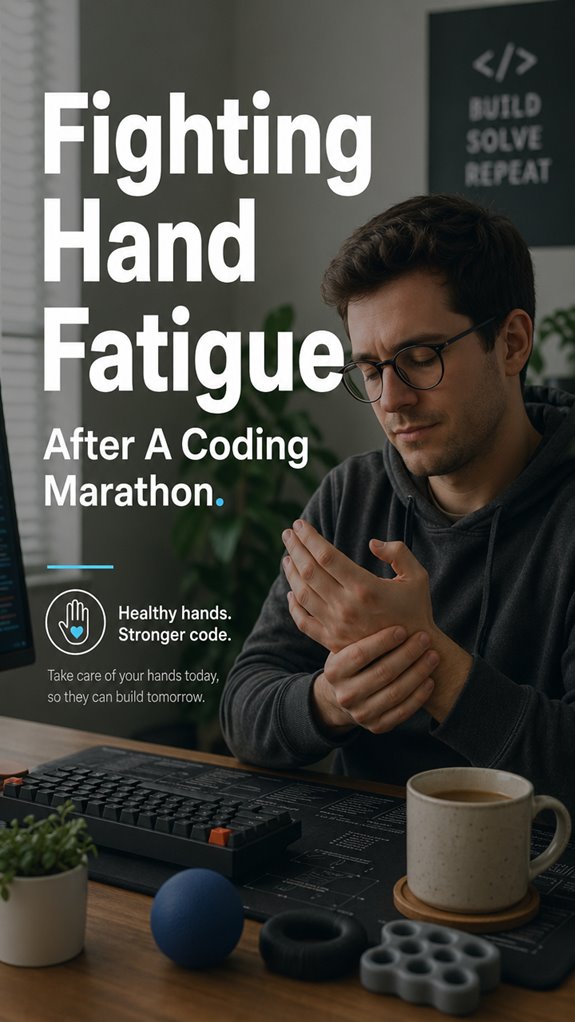
Ever feel like your hands are plotting a revolt after twelve hours of smashing keys? Mine certainly did last Tuesday.
I ignored the warning signs. Pins and needles at 2 PM. Stiffness by dinner. Then came the betrayal: my pinky refused to hit semicolon. A full system crash in the middle of a deploy.
I’ve learned to listen now. Stretch between sprints. Swap to my trackball when my wrist whines. Massage the damage. These aren’t luxuries. They’re bug fixes for meat hardware that doesn’t ship patches.
Your hands ghost you eventually. Trust me. Mine still hold grudges.
Coding Wrist Pain: When Ergonomic Ignorance Cost Me a Deadline
Three years ago I mocked standing desks and split keyboards. Then I spent two weeks unable to type without wincing. Missed a major release. Learned about carpal tunnel syndrome, repetitive strain injury, and ergonomic mechanical keyboards the hard way. My Pearl Izumi cycling gloves became temporary compression sleeves. Desperate times. Now I rotate between my Kinesis Advantage 2 and a vertical mouse. Tendonitis prevention became a lifestyle, not an afterthought. The humiliation taught me more than any blog post. Your future self is either grateful or unforgiving. No middle ground.
Quick Takeaways
- Take frequent breaks and incorporate stretching exercises to prevent and reduce hand fatigue.
- Use ergonomic tools and maintain proper wrist positioning to minimize strain during long coding sessions.
- Massage and apply controlled warmth to relax tissues and improve circulation.
- Practice hand strengthening exercises with grip trainers and role swapping to promote endurance.
- Recognize persistent discomfort as a sign to seek professional evaluation and adjust your ergonomics.
How to Recognize the Signs of Hand Fatigue After Coding
When your hands start giving out—akin to a poorly configured API endpoint returning 500 errors—you’re sensing the initial micro-failures of systemic fatigue.
Your musculature begins to signal, a threshold breach in the wrist ligament interface, muscle fibers failing to handle the load. Like debugging a core dump, you notice stiffness, tingling, and a creeping reluctance to continue logged-in sessions.
The precision required for complex code breaks down, reminiscent of “Ghost in the Shell” trying to execute flawless cybernetics, but your hardware—the human codebase—starts whining. Recognizing these signs is the first step before the crash.
Embrace your human logs; acknowledge you’re running an aging kernel. To prevent further complications, consider wrist pain relief techniques that can ease tension and promote recovery.
Effective Relief Techniques to Reduce Hand Strain
Effective relief techniques serve as the essential patch updates in the ongoing saga of human hardware maintenance, especially when your fingers are reminiscent of a deprecated API struggling under load.
You must identify the core system failures—overuse, poor ergonomics, and software mismatches—before implementing granular fixes. Stretch, massage, and alternate input devices as if debugging memory leaks; these are the hotfixes for tendons and ligaments.
Keep muscles warm, hydrate, and throttle down your “typing speed”—think of it as optimizing a sluggish server. Like Ghost in the Shell, your physical interface needs an upgrade.
When system logs start erroring, don’t ignore the alerts; act swiftly before the entire repository crashes. Additionally, incorporating regular breaks from mouse use can significantly enhance your overall comfort and performance.
Best Practices for Preventing Hand Fatigue During Long Coding Sessions
Long coding marathons expose the underlying fragility of your ergonomic architecture, revealing that neglecting proper work practices is akin to deploying a patch without testing—eventually, everything crashes spectacularly.
You need to implement systemic safeguards before your muscle memory corrupts and your tendons throw up fatal exceptions. Vary your input methods—ditch the ergonomic keyboard for a moment, switch to voice commands if possible.
Take scheduled, deliberate breaks—think of them as system reboots. Recalibrate your posture like debugging, and verify your workspace’s firmware—your desk, chair, and peripherals—are optimized. Incorporating proper wrist positioning can significantly reduce the clicking sounds and help alleviate strain.
After all, slipping into the rabbit hole of repetitive stress resembles that scene from “Ghost in the Shell,” but with less cybernetics.
Hand Exercises to Boost Endurance and Reduce Fatigue

Despite meticulous code architecture, if your hands are running on obsolete hardware drivers—namely, tendons and ligaments built for casual weekend warriors, not sustained server uptime—you’re courting catastrophic failure. When you attempt to run Ghost in the Shell-level multitasking, fragile tissues falter under the load, causing stiff, sore loops that grind your productivity to a halt.
To perform critical system maintenance, you must execute targeted hand exercises—dynamic stretches, finger presses, grip resets—akin to patching your ergonomic firmware. These micro-tests strengthen endurance, prevent crashes, and keep your primary hardware interface—your hands—functioning with stability rather than bug-ridden impatience. Incorporating top wrist rollers into your routine can greatly enhance strength and flexibility, further ensuring that your hands remain resilient under pressure.
When to See a Professional for Persistent Hand Discomfort
When persistent hand discomfort signals a failure in your ergonomics debugging process, there’s no patch or hotfix that can override the underlying hardware fault—your tendons and ligaments aren’t designed for sustained uptime, much like a deprecated API that crashes after a few thousand calls.
If pain persists beyond the initial troubleshooting, it’s evidence of system degradation—akin to a ghost in the shell, quietly corrupting the core.
At this point, you must escalate to a professional, preferably someone with *expertise* into both human biomechanics and the engineering of repetitive strain injuries. Moreover, incorporating top grip trainers can significantly aid in strengthening your hands and preventing future issues.
Ignoring the signals risks catastrophic system failure.
Testing Ergonomic Grip Tools
Before deploying any new ergonomic grip tool into the chaotic pipeline of daily coding operations, I run a battery of tests—not unlike debugging a critical software module in production—because if it’s not measurable, it’s fundamentally a feature gone rogue.
I examine grip stability, latency in micromovements, and torque distribution, dissecting each variable like debugging a memory leak in C++.
Assessing whether the tool reduces strain means quantifying grip force, tendon engagement, and wrist flexion angles, all while resisting the absurdity of mimicking “Ghost in the Shell” logic—trying to optimize human hardware on paper, while real software—our bodies—crashes in the background. Additionally, I consider integrating red light therapy as a supplementary approach to enhance recovery and overall productivity post-coding sessions.
Hand Muscle Deterioration Risks
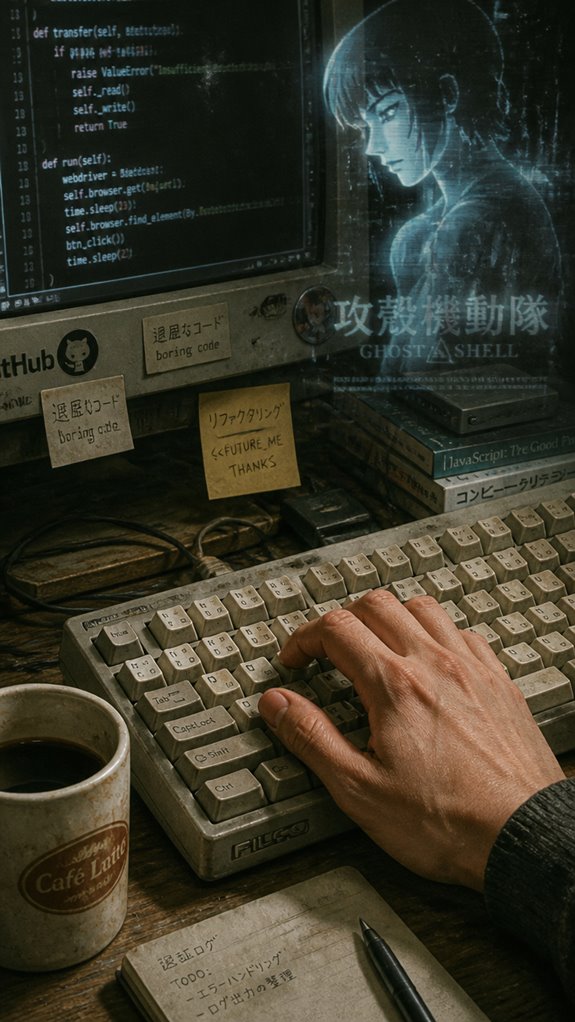
Have you ever experienced a code system crash so persistent that even a full restart seems like an insufficient patch? Your hand muscles face a similar apocalypse, where prolonged, repetitive contractions cause progressive fiber deterioration—think of it as software memory leaks in biological code.
- Damaged fibers lose processing power, resulting in fatigue after depletion
- Elevated biomarkers like creatine kinase quantifiably signal system overload
- Genetic variables influence damage thresholds, akin to hardware specs
Just as a faulty server crashes under load, relentless typing erodes your muscle integrity, risking tendinopathy and stress fractures. Playing the long game means proper recovery—before your hands turn into the “Ghost In The Shell.”
Ergonomic Keyboard Use
In the relentless runtime of a typical coding marathon, the fragility of our biological hardware becomes painfully evident—akin to a system crash after prolonged resource exhaustion.
You must recognize that an ergonomic keyboard acts as a necessary software patch for your physical infrastructure, minimizing latency in neural signal transmission—much like optimizing data flow in a low-latency database.
Switching from the ergonomic keyboard’s tailored architecture to blunt, off-the-shelf alternatives is like deploying a patch that prevents the Ghost in the Shell from corrupting your core modules.
Invest in this upgrade before your hand’s version hits deprecated status, or risk the inevitable firmware failure. Furthermore, supporting your feet with an ergonomic footrest can enhance overall comfort and stability during long coding sessions.
Stretch Breaks and Hand Massage
When your cranial cache begins experiencing memory leaks from sustained cognitive loops, the breakdown often begins at the peripherals—namely, your hands—those underappreciated servers running the core input drivers.
Implement strategic stretch breaks and hand massage routines as essential patches—before system slowdowns manifest as ergonomic failures. Key maintenance protocols include:
- Making your hand limp, then applying controlled massage to relieve the debugged tissues
- Switching hand roles during sessions to distribute load evenly
- Keeping tissues warm with environmental control, avoiding thermal triggers that cause inflammation
Incorporating ergonomic practices not only boosts hand health but enhances overall productivity during long coding sessions.
FAQ
How Often Should I Take Breaks During Long Coding Sessions?
You should take a break every 60 minutes during long coding sessions, ideally for 5-10 minutes. Use these breaks to stretch, massage, or change positions, helping prevent strain, boost focus, and maintain hand health over extended periods.
Can Diet Impact Hand Fatigue and Recovery?
Yes, your diet impacts hand fatigue and recovery. You can accelerate healing by eating anti-inflammatory foods, staying hydrated, and getting enough protein. Nutrients like omega-3s, vitamins C and E, support tendon health and reduce inflammation.
Are There Specific Warm-Up Routines for Coders’ Hands?
Start with gentle hand and wrist rolls, then stretch fingers wide, flex and extend wrists gradually. Visualize muscles warming, tension melting away. Incorporate these routines before coding to seize control, prevent fatigue, and optimize your hand health with confidence.
What Specific Ergonomic Adjustments Can Decrease Wrist Strain?
Adjust your workspace by using an ergonomic keyboard, cushioned wrist pads, and a supportive mouse. Make sure your desk and chair promote good posture, keep wrists in a neutral position, and switch positions frequently to minimize strain.
How Does Stress Affect Hand Fatigue and Recovery?
Stress worsens hand fatigue by increasing muscle tension, making recovery harder; studies show stressed individuals experience slower healing. You control your stress levels through breaks, relaxation, and proper ergonomics, enabling faster recovery and reducing injury risk during long coding sessions.
References
- https://news.ycombinator.com/item?id=12931885
- https://1-hp.org/blog/blog/wrist-pain-from-coding-causes-prevention-tips-and-effective-exercises/
- https://dev.to/christopherkade/developer-health-taking-care-of-yourself-as-you-code-1hh1
- https://www.spaenergieforme.com/post/stay-sharp-stay-focused-alleviating-wrist-pain-in-developers-and-programmers
- https://www.hanselman.com/blog/the-programmers-hands
- https://blog.codinghorror.com/programming-your-hands/
- https://nmortho.com/muscles-genetically-prepared-run-marathon/
- https://medicine.tufts.edu/news-events/news/what-running-marathon-does-body
- https://pubmed.ncbi.nlm.nih.gov/39405022/
- https://pmc.ncbi.nlm.nih.gov/articles/PMC8497806/
- https://journals.plos.org/plosone/article?id=10.1371/journal.pone.0057602
- https://hms.harvard.edu/news/marathon-risk-non-runners
- https://www.penyagolosatrails.com/wp-content/uploads/2024/11/Martinez-Navarro-et-al.-2020-Muscle-Cramping-in-the-Marathon-Dehydration-and-E.pdf