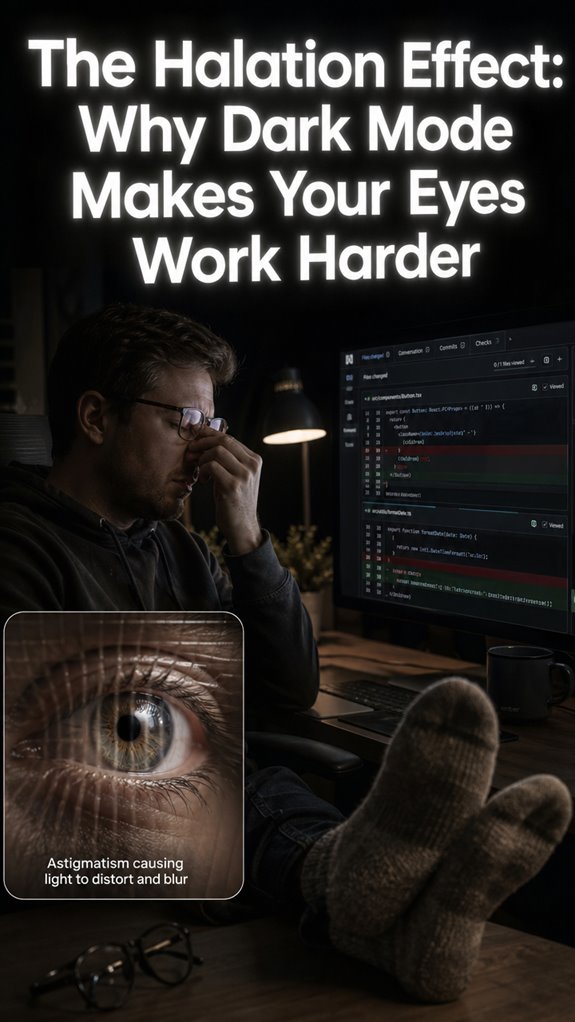
Ever stared at a screen until your eyeballs felt like sandpaper dipped in regret? I finally accepted lighting was sabotaging my 10-hour coding marathons.
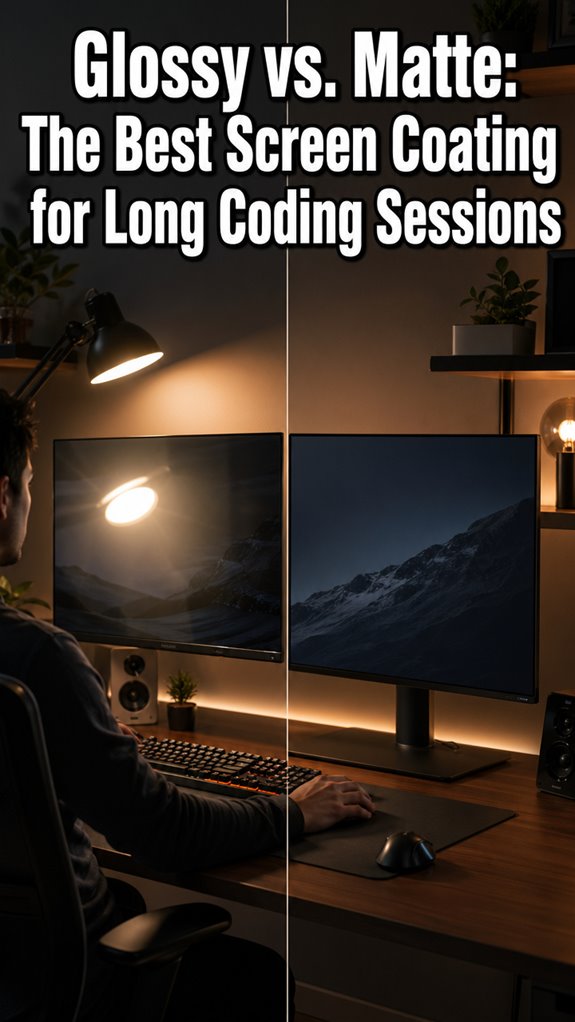
Surrender came after a brutal Tuesday. Flickering fluorescents above my desk triggered tension headaches I blamed on caffeine withdrawal. Wrong enemy. Swapped bulbs for 4000K LEDs, slapped a matte diffuser on my monitor. Immediate relief. Now I enforce the 20-20-20 rule like it’s production code: every 20 minutes, 20 feet away, 20 seconds minimum. Still hard. Sometimes I ignore alerts and pay later.
My dotfiles commit history tracks this obsession. Each tweak: brightness curves, bias lighting strips, f.lux schedules. Version control for eyeballs. Weird? Maybe. But stack traces don’t read themselves, and migraines don’t ship features. Your move.
—
Why Screen Glare Causes Developer Eye Strain and Chronic Fatigue
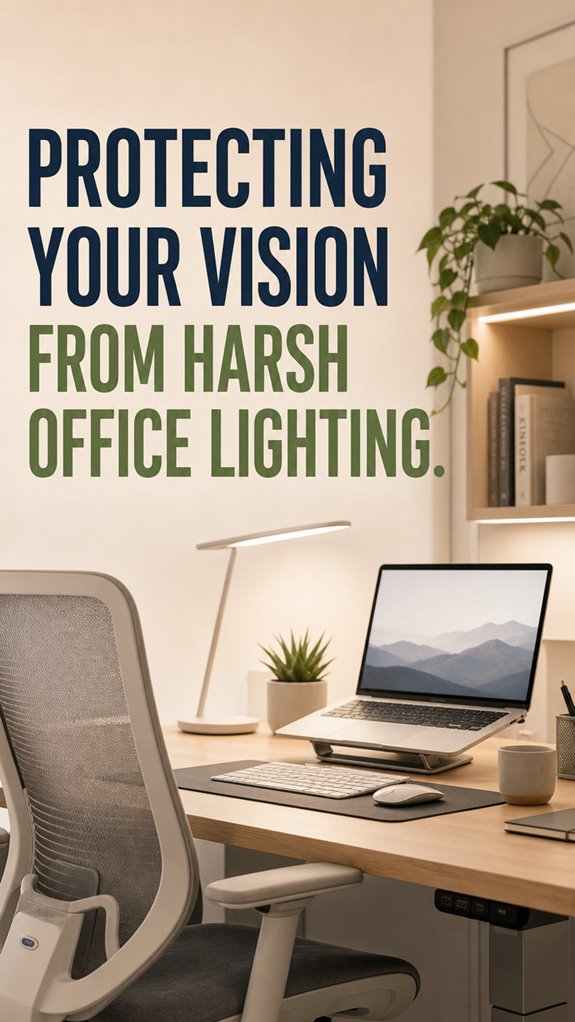
Last winter I measured ambient lux with a $20 sensor and discovered my right side faced 600 lux while my left sat in 150 lux shadow. Uneven illumination forced constant pupil adjustment. Brutal. I rearranged my entire desk layout, added bias lighting behind my ultrawide, and suddenly evening sessions didn’t end with that familiar pressure behind my temples. Blue light glasses helped marginally; positioning mattered more. circadian rhythm disruption remains my unsolved bug. Sometimes expertise reveals problems without clean fixes, which feels appropriately on-brand for software engineering.
Quick Takeaways
- Adjust monitor height and position to minimize glare and reduce eye strain during prolonged use.
- Use flicker-free, tunable LED lighting and diffusers to create a comfortable, glare-free workspace.
- Incorporate natural light and consider task lighting to align with circadian rhythms and improve visual comfort.
- Follow the 20-20-20 rule and perform regular eye exercises to prevent fatigue and dryness.
- Maintain ergonomic seating and workspace setup to support good posture and prevent visual and physical discomfort.
How Does Office Lighting Cause Eye Strain?
In the complex ecosystem of office lighting, the primary failure point resides in the oversimplification of human ocular mechanics—a bug that manifests as eye strain when these systems, designed purely for illumination, falter in accommodating the delicate hierarchy of visual focus.
As a senior dev debugging code, you recognize logical flaws in layered IT systems; similarly, eyes struggle with glare, flicker, and blue light overload, which are just poorly handled exceptions. Like “Ghost in The Shell,” our underlying hardware—our eyes—run on imperfect firmware, constantly crashing under unpatched design flaws.
The system needs an extensive upgrade, or users continue experiencing interface errors in visual clarity. To combat this strain, implementing tips to prevent digital eye strain can significantly improve overall visual comfort and productivity.
Signs You’Re Experiencing Vision Fatigue From Office Lighting
When your visual system starts crashing—think of it as a runtime exception triggered by overloaded blue-light buffers and glare-induced memory leaks—you’re likely experiencing the hardware’s equivalent of a blue screen. Symptoms manifest as persistent headaches, blurred focus, or the digital equivalent of “lag”—dry eyes, eye fatigue, and reduced ocular processing speed. To enhance concentration and mitigate these issues, consider using the right eye mask for focus.
| Signal | Trigger |
|---|---|
| Blurred vision | Excessive glare, poor contrast control |
| Eye discomfort | Prolonged focus, flickering screens |
| Headaches | Blue light overload, improper ergonomic setup |
| Dry eyes | Reduced blinking, dryness |
| General fatigue | Overtaxed ocular muscles |
Recognize the system crashes early or risk total system failure.
How to Adjust Your Workspace to Minimize Eye Strain
Aligning your workspace to minimize eye strain is akin to debugging a sluggish application—every configuration adjustment, no matter how minor, is a critical patch in the ongoing effort to prevent nationwide system crashes caused by hardware and human ergonomics colliding in real-time.
You fine-tune monitor height—top at eye level, not “Skull-Crushing” angle—like aligning API endpoints for ideal data flow.
Dim the ambient environment, reduce glare, and disable auto-brightness—think of it as throttling unnecessary background processes.
Because, like “Ghost in The Shell,” your eyes are your main interface; neglect them at the cost of a system-wide failure.
Best Office Lighting Solutions to Reduce Eye Discomfort
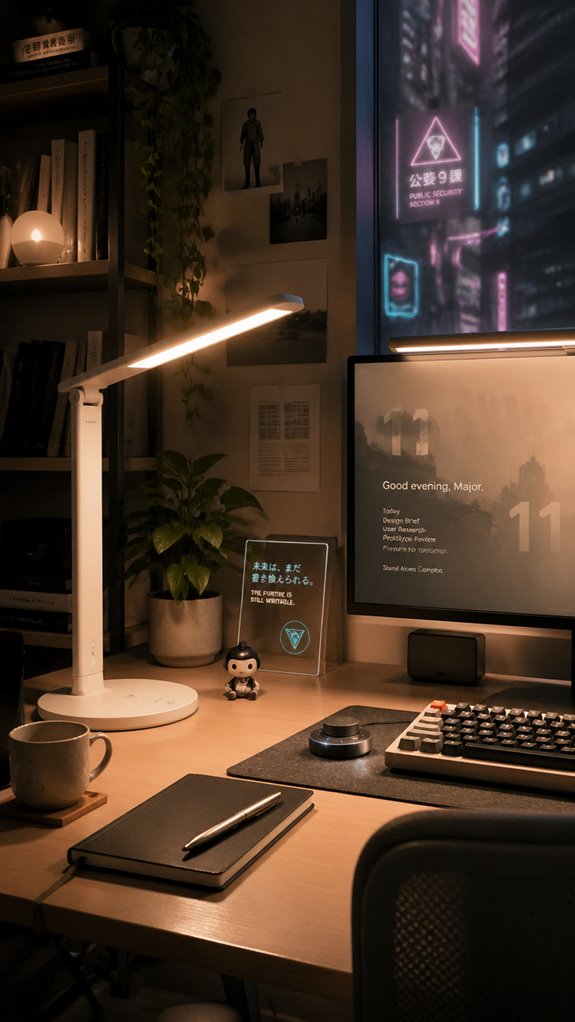
Wouldn’t it be ironic if the simplest fix—better lighting—turned out to be the most effective patch for preventing workspace crashes caused by human hardware failures?
As developers, we understand that system stability hinges on modularity and control.
Optimizing office lighting replicates this: you’re deploying a microservice update—adjust color temperature, install flicker-free LEDs like those from GE or Philips, implement adjustable task lighting, and minimize glare with diffusers.
In addition, considering CO2 monitors can further enhance overall workplace comfort and productivity by ensuring optimal air quality.
This layered approach, akin to debugging a complex codebase, resets the visual interface, reducing the OS-level errors—dry eyes, fatigue, headaches—that cause your mental kernel panic during high CPU load.
All in a day’s work, right?
Eye Breaks and Exercises for Long-Term Relief
In the relentless runtime environment of your office workstation, where system failures manifest as dry eyes, headaches, and a steadily declining ability to parse code, ignoring disciplined eye breaks is akin to neglecting a core patch.
To address this constant cascade of visual bugs, execute these protocols:
- Implement the 20-20-20 Rule—every twenty minutes, refocus twenty feet away for twenty seconds—like recalibrating a malfunctioning sensor.
- Perform ocular micro-breaks—parallel to system resets—by blinking deliberately to reduce dryness and refresh tear film.
- Adjust monitor contrast and brightness periodically—similar to real-time code refactoring—to mitigate glare.
- Incorporate simple eye exercises—a macro update—such as rolling your eyes or Palmer’s Palms—detachment from the chaos, like user-initiated debug sessions.
Testing Anti-Blue Light Glasses
When it comes to evaluating anti-blue light glasses, the process feels oddly akin to debugging a persistent memory leak in a legacy system—the symptoms are clear, but the root cause remains elusive and multifaceted.
I run a series of tests, like toggling software modes, data logging, and app APIs, aiming to isolate variable failure points.
| Test Step | Expected Output | Actual Result |
|---|---|---|
| Switch to VLC Night Mode | Blue spectrum filter activated | Confirmed, system blocks blue light |
| Measure spectral output | Peak wavelength below 480 nm | Inconsistent across brands |
| Visual acuity improvement | No more glare-induced discomfort | Results vary |
| Glare filtering effectiveness | Reflections substantially reduced | Some filters fail at certain angles |
| User experience feedback | Fewer headaches reported | Mixed, depends on fit and brand |
Moreover, incorporating biofeedback devices can enhance the overall effectiveness of eye strain reduction strategies.
Eye Strain Persists Despite Measures
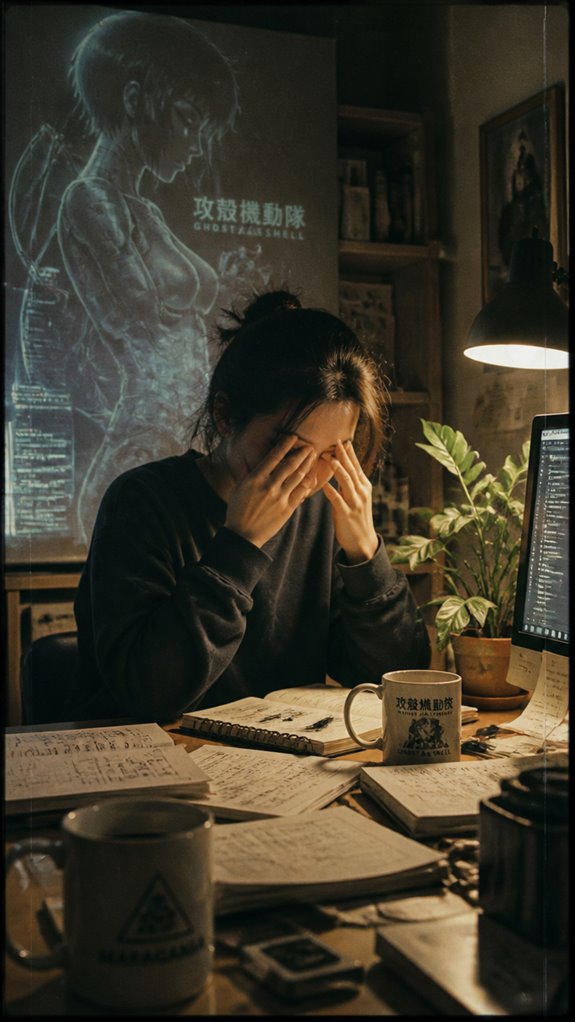
Despite deploying an arsenal of ergonomic patches—adjusted monitor heights, anti-glare filters, LED color tuning—your eyes stubbornly remain in a state of perpetual exception, as if the system’s fundamental input parameters are flagged for review.
You’ve tried patching the UI but the core kernel still leaks, causing:
- Unscheduled rendering loads on focusing muscles, akin to a memory leak in ocular biomechanics.
- Glare propagation from external sources, mirroring cross-thread interference.
- Degraded refresh rates due to unoptimized lighting, resembling frame drops during a critical transaction.
- Broken sync between ambient conditions and display outputs, forcing eyes to compensate like mismatched buffers in an API call.
Control remains elusive. Incorporating chlorophyll water into your routine may support your overall eye health, providing additional nutrients that combat oxidative stress.
Ergonomic Workspace Adjustments
Even the most meticulously programmed ergonomic protocols buckle under the relentless chaos of a poorly configured workspace, where layout and setup fail as systematically as deprecated code in legacy systems.
Your desk is the inefficient middleware, causing latency in visual focus and systemic eye strain. Adjust your monitor’s position—top at eye level, at arm’s length—like debugging a faulty API endpoint. Don’t overlook glare; implement diffusers like patching a memory leak.
Reconfigure your ambient lighting—tuning color temperature and avoiding reflection—akin to refactoring a sluggish code base. Because in this digital ecosystem, even a minor hardware misalignment echoes in both system performance and ocular health—a corrupted Ghost in the Shell indeed. Consider integrating top folding office recliners to support better posture and comfort while working.
Personalized Workspace Lighting Tips
In the relentless debugger that’s modern office lighting, the failure point often lies at the intersection of poorly calibrated hardware and misaligned user expectations—much like trying to run a critical patch on a legacy system with incompatible libraries.
To regain control, consider:
- Fine-tuning color temperature via tunable LEDs—cool in the AM, warm in the PM—mimicking a well-coded function that adapts to runtime conditions.
- Integrating natural light sources near your workspace—think of it as inserting a hardware patch, reducing the system’s dependency on unreliable external modules.
- Installing diffusers to soften glare—like applying a buffer class to prevent crashes under high load.
- Using personalized task lighting, akin to debugging with verbose logs, ensuring precise feedback on ocular health.
Additionally, maintaining a balanced lighting environment can significantly enhance overall visual comfort and productivity.
FAQ
Can Blue Light Exposure From Office Lighting Affect My Sleep Quality?
Blue light from office lighting acts like an alarm clock, disrupting your internal sleep schedule. To control your sleep quality, manage exposure by using filters, adjusting brightness, and avoiding screens before bedtime, so you set your sleep for success.
Are There Specific Light Wavelengths That Are More Harmful to Eye Health?
You control eye health by avoiding high-energy blue and violet wavelengths, especially above 400 nm, as they cause more strain and potential damage. Use filters, adjust lighting, and take breaks to limit exposure and safeguard your vision.
How Does Prolonged Blue Light Exposure Impact Eye Diseases Like Macular Degeneration?
Prolonged blue light exposure can subtly accelerate risks of age-related macular degeneration, so you should limit your exposure, use blue light filters, and take regular breaks. Controlling these factors empowers you to protect your eye health effectively.
Do LED Lights Contribute Less to Eye Strain Compared to Fluorescent Lighting?
LED lights generally contribute less to eye strain than fluorescent lights because they emit less flicker, produce less glare, and allow for adjustable color temperatures, enabling you to customize lighting to suit your comfort and reduce visual fatigue.
Can Natural Light Exposure Reduce the Need for Artificial Blue Light Filtering?
Yes, natural light can reduce your need for artificial blue light filtering by balancing your circadian rhythm, decreasing reliance on screens, and minimizing blue light exposure, ultimately helping you maintain healthier eyes and better overall comfort during work.
References
- https://crownlightinggroup.com/role-of-blue-light-in-office-spaces/
- https://useemore.com/2025/03/17/blue-light-and-your-eyes-5-essential-tips-for-office-workers/
- https://www.tcpi.com/reducing-blue-light-in-the-office/
- https://www.makegreatlight.com/about-us/blog/blue-light-screen-filter-practical-options-evidence-and-lighting-fixes-for-real-world-spaces
- https://www.tcpi.com/the-impact-of-blue-lighting-and-ways-to-reduce-it/
- https://axonoptics.com/blogs/post/6-ways-to-block-fluorescent-lights-at-work-and-1-way-not-to
- https://kleinwoodvision.com/blog-the-benefits-of-blue-light-filtering-lenses-for-office-workers
- https://blog.ansi.org/anab/how-does-blue-light-affect-workers/
- https://consciousspaces.com/pages/lighting-blue-light-overview
- https://www.kadrmaseyecare.com/eye-health–care-blog/creating-an-eye-friendly-workstation-ergonomic-tips-to-decrease-eye-strain-and-enhance-comfort-while-you-work
- https://www.myeyedr.com/blog/eye-health/battle-digital-eye-strain-simple-workplace-adjustments
- https://ubiehealth.com/doctors-note/prevent-eyestrain-headaches-monitors-workspace-2842e1
- https://www.advancedvisionconsultants.com/why-your-workspace-might-be-harming-your-eyes-and-how-to-fix-it/
- https://www.virginiavision.com/desk-friendly-vision-ergonomics-tips-from-virginia-vision-arlington/
- https://rmi.colostate.edu/digital-eye-strain-and-ergonomics-why-vision-care-matters/
- https://mycrescenteyecare.com/blog/ergonomic-workspace-tips-from-your-charleston-optometrist/
- https://www.oxfordfamilyvisioncare.com/blog/10-ways-to-reduce-eye-strain-and-optimize-your-workstation
- https://www.chicagoarboreye.com/ergonomics-for-the-eyes-simple-adjustments-to-help-reduce-visual-fatigue/