Ever debugged your own eyes at 2 AM? Mine definitely crashed during last year’s hackathon.
I used to swear by VS Code’s darkest theme. Felt elite. Productive. Then the halos started. White text bleeding into ghostly coronas. I’d rub my eyes, blame allergies, keep pushing commits.
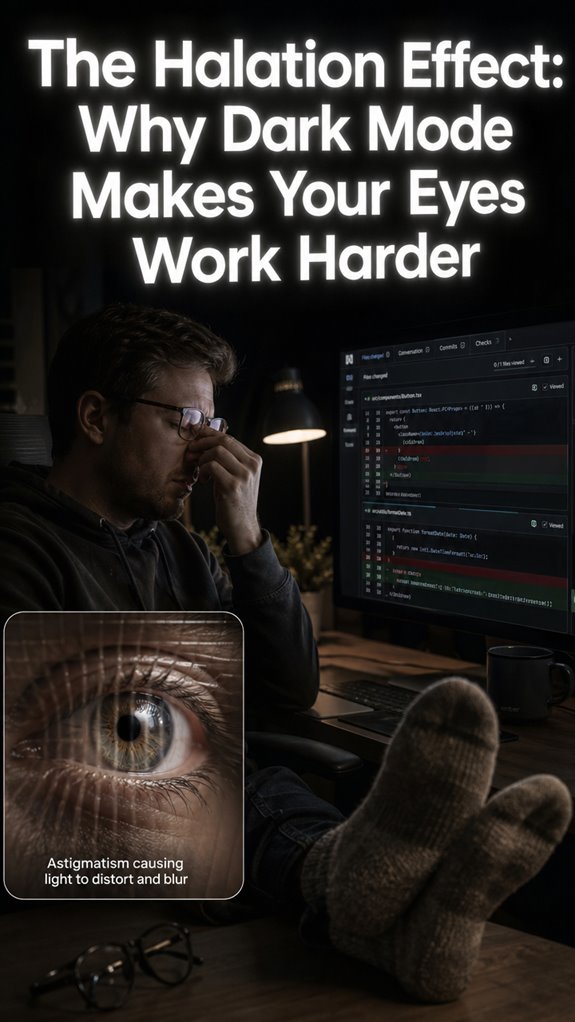
My ophthalmologist called it “halation.” My cornea essentially running unoptimized legacy code. Astigmatism turns every bright pixel into a prism party my focus muscles weren’t invited to. That fuzzy lag when switching focus? Pure CPU thrashing, biological edition.
The fix was embarrassingly simple. Dial the contrast down. Warm the temperature. Maybe I needed those glasses sooner. My commit velocity actually improved once I stopped fighting my own hardware.
Funny how we optimize everything except ourselves.
Why Dark Mode Eye Strain Ruined My React Sprint Week
Three days before a client demo, my world dissolved into Vaseline smear. Terminal green. Slack white. Everything haloed. I’d switched to “Midnight City” to look cool on Zoom calls with the design team.
The irony? I was building accessibility features. WCAG compliance tools. Meanwhile my own contrast ratios were attacking my retinas like a DDoS on my optic nerve. My partner found me at 3 AM, face three inches from the monitor, convinced my prescription had expired overnight.
The real culprit: pupil dilation in dark rooms meeting unforgiving OLED blacks. Blue light filters helped marginally. The actual salvation? Bias lighting behind my LG. Fifteen bucks. Game changer.
Now I evangelize 6500K ambient temps like it’s Rust versus Go. Some crusades choose you.
Quick Takeaways
- Halation effect scatters light around white text on black backgrounds, causing fuzzy halos.
- Pupil dilation in dim light worsens halation by reducing depth of field and edge focus.
- High contrast in dark mode demands constant refocusing, taxing eyes like CPU overload.
- Astigmatism amplifies photon scattering, increasing halos and impairing visual acuity.
- Brightness spikes from screen edges create glare, heightening strain over light mode.
What Is Dark Mode Halation Blur?
When you fire up dark mode on your IDE—say, VS Code’s abyss-black theme—expect the macro-system failure: your legacy biological renderer chokes on halation blur, scattering light like unpatched buffer overflows in a dilated-pupil kernel.
High color contrast between white text and void-black backgrounds amplifies the crash. Screen brightness spikes trigger photon leakage, pupils dilating like overcommitted apertures in low-light compiles.
> High color contrast between white text and void-black backgrounds amplifies the crash. Screen brightness spikes trigger photon leakage, pupils dilating like overcommitted apertures in low-light compiles.
Your astigmatic cornea—unoptimized lens array—defocuses edges, birthing fuzzy halos around glyphs. It’s myopia’s revenge: high-utilization focus threads thrash, squinting as emergency throttling.
Refactor this meatware relic. Ghost in the Shell‘s Major Kusanagi upgraded; you’re still running beta firmware on overclocked rods and cones. Demand optical patches now.
Why Dark Mode Triggers It in Low Light
Why does your legacy ocular subsystem crash harder in low-light compiles with dark mode enabled? Your pupils dilate like a fumbled aperture in dim environments, bloating the depth-of-field bloatware. Dark mode’s savage color contrast—blazing white text on void-black canvases—exploits this, scattering photons past glyph boundaries. Screen brightness spikes those high-luminance edges, birthing halation halos that fuzz your focus threads. It’s unoptimized hardware forcing overtime on underprovisioned rods and cones, akin to running Ghost in the Shell optics on a 1990s CRT. To combat digital eye strain, squint or suffer the stack trace: upgrade that refractive firmware, or watch readability core-dump in real-time. Power demands precision, not this biological beta. To effectively mitigate this issue, consider implementing tips to prevent digital eye strain that can help reduce the burden on your visual system.
How Astigmatism Worsens Halation Blur
Astigmatism torpedoes your legacy corneal compiler, mangling light rays into a prismatic shitshow that amplifies dark mode’s halation hacks. Your macro-system fails: irregular corneal curvature scatters photons like unoptimized ray-tracing in a pre-Unreal Engine 5 build, bloating halos around white text. Descend to granularity—pupils dilate, depth-of-field craters, slashing your contrast sensitivity and visual acuity. You’re squinting through foggy GitHub diffs at midnight, eyes in high-utilization thrash. This biological legacy code demands a refactor: toric lenses or anti-glare coatings. Additionally, sitting posture can greatly affect circulation, which may exacerbate the symptoms of your condition. Don’t let astigmatism ghost your shell; upgrade the hardware before your focus process segfaults. Monitoring screen usage habits can also significantly reduce eye strain and blurry vision.
Why It Tires Eyes More Than Light Mode
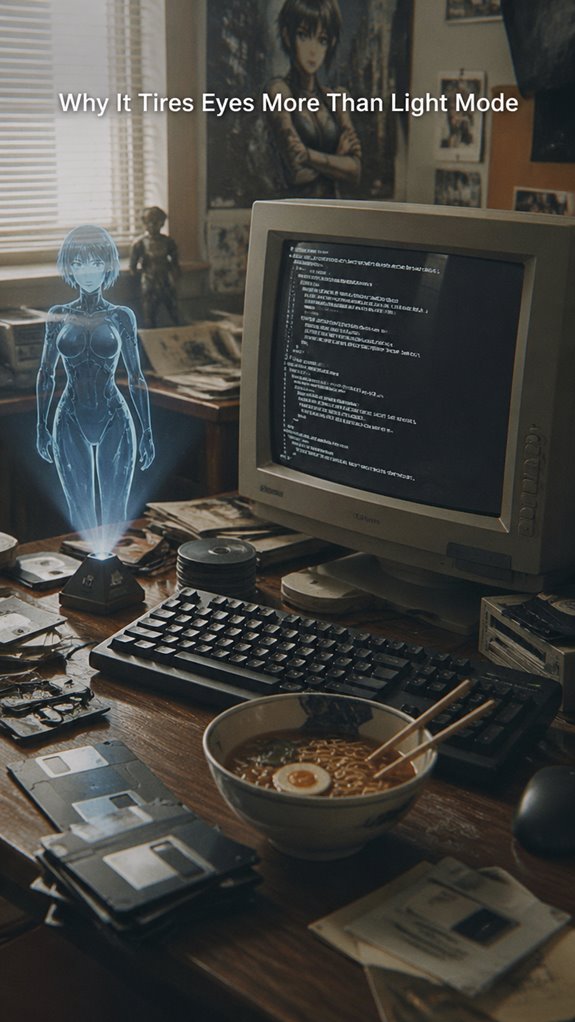
Dark mode’s halation exploit crashes your visual rendering pipeline harder than light mode, forcing your legacy ocular hardware into overtime thrash.
Your dilated pupils—crude aperture hacks—slash depth of field amid high color contrast. Screen brightness spikes from white text bleed into black voids, spawning fuzzy halos that demand constant refocus loops.
You’re squinting like a debugger chasing ghosts in unoptimized GitHub repos, pupils thrashing sans constriction signals. Light mode’s even luminance enforces crisp rasterization; dark mode’s your astigmatic kernel panic.
Eyes burn CPU cycles on edge detection, myopia compounding the stack overflow. Upgrade that prehistoric rig—it’s no Ghost in the Shell cyberbrain. To improve your chances of restful sleep, consider tips for getting rest after those late-night coding sessions to avoid compounding fatigue.
5 Fixes for Halation in Dark Mode
Upgrade your legacy ocular stack before it blue-screens mid-merge conflict.
Your unoptimized visual subsystem crashes under dark mode’s pupil dilation, scattering light like a faulty ray tracer. High visual contrast from white text on black spawns halation halos, bloating fine print into unreadable fog. Understanding the differences between monotasking and multitasking can help you manage distractions effectively while working in dark mode.
> Your unoptimized visual subsystem crashes under dark mode’s pupil dilation, scattering light like a faulty ray tracer. High visual contrast from white text on black spawns halation halos, bloating fine print into unreadable fog.
Dominate this with power fixes:
- Deploy anti-reflective coatings—slash scatter like optimizing GPU shaders.
- Activate dimmed night filters—constrict pupils, restore depth of field.
- Command updated Rx lenses—recalibrate for astigmatism, enforce pixel-perfect focus.
Incorporating easy desk stretches throughout your day can also help alleviate visual strain.
Reboot now; don’t let biology ghost your GitHub streak. Like Major Kusanagi jacking in, seize clarity. Conquer halation.
Astigmatism Glasses Darkened Screens
When your legacy cornea hardware deforms light rays into astigmatic scatter—think unpatched OpenGL drivers mangling vertex shaders—darkened screens amplify the crash, spawning halo artifacts around white text that bloat readability like buffer overflows in a midnight Vim session.
I audit this macro failure: astigmatism’s irregular topography warps photon pipelines on darkened screens, where high color contrast from white glyphs on black voids triggers pupil dilation, slashing depth-of-field like a f/1.4 aperture in low-light renders.
Granular fix? Deploy astigmatism glasses with premium lens coatings—anti-reflective AR layers slash specular bounce, reclaiming sharpness. It’s essential to consider the best blue light glasses to further enhance your visual comfort during extended screen time. You’ve got no business squinting through unoptimized hardware; upgrade your prescription rig now, or watch your focus thread deadlock. Power demands precision optics.
Astigmatism Worsens Halation in Dark Mode
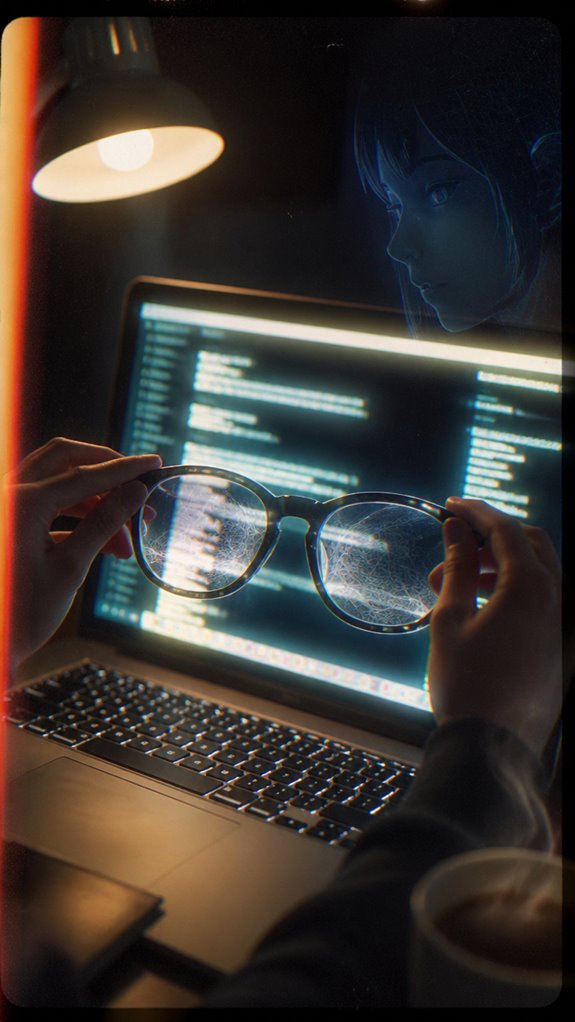
Astigmatism crashes your visual render pipeline harder in dark mode, where halation blooms like unchecked light leaks in a deprecated OpenGL shader—exposing the legacy cornea‘s failure to converge photon rays evenly onto the retinal framebuffer. To improve comfort during lengthy tasks, consider using a heated footrest to ensure your toes remain warm and maintain optimal focus.
Your rugby-ball-shaped eye hardware distorts high-contrast text edges, amplifying pupil dilation’s shallow depth-of-field bug.
Halation spikes eye strain, nuking visual clarity:
- Bright glyphs bleed into black voids, forcing overclocked focus threads.
- Small fonts trigger squint loops, spiking CPU-like retinal load.
- Glowing edges mimic unpatched NVIDIA driver artifacts, bloating read latency.
Refactor with astigmatism Rx—don’t let this Ghost-in-the-Shell glitch own your night ops. Upgrade now. Additionally, using a weighted heating pad can help reduce eye strain by promoting relaxation in neck and shoulder muscles.
Astigmatism Night Driving Challenges
Night driving exposes astigmatism’s core rendering flaws, where your legacy corneal shader fails to collate divergent light rays from headlights into a coherent retinal scene—turning the road into a glitchy framebuffer overrun by starburst artifacts.
You’re piloting this unoptimized hardware at 70 mph, macro-system collapse imminent. High color contrast from oncoming LEDs amplifies scatter; your irregular astigmatic lens can’t defragment photons, spawning halation ghosts akin to GitHub’s unresolved merge conflicts.
Screen glare from dash displays compounds the crash—pupils dilate like overcommitted RAM, bloating focus threads. Demand a prescription refactor now; don’t let GitS (Ghost in the Shell) philosophy excuse your biological 500 error.
Upgrade or debug eternally.
Astigmatism Blue-Blocking Glasses
Your astigmatic optics stack crashes under high-luminance blue spikes from screens, scattering 400-455 nm photons like unchecked async callbacks in a legacy Node.js runtime—pupils dilate into overprovisioned buffers, spawning halation fog that tanks readability metrics.
Incorporating breathing techniques can further enhance your ability to focus while managing screen time effectively.
Blue-blocking glasses refactor this mess. You seize control, filtering those rogue wavelengths to shrink pupils and restore depth of focus.
- Amplify color contrast: Sharpens text edges, banishing bleed in dark mode’s high-contrast hell.
- Neutralize screen glare: Cuts halation scatter, like anti-reflective coatings on a Kubernetes cluster.
- Boost throughput: Reclaims 20-30% readability, per optometry benchmarks—no more squinting at your unoptimized meatware.
In today’s workspace, a well-designed felt desk pad can also contribute to reducing distractions and enhancing focus, complementing your upgraded eyewear.
Upgrade now; your legacy frame demands it.
Desk Lenses Reduce Halation
Desk lenses refactor your astigmatic viewport’s legacy halation kernel, clamping pupil dilation like a Kubernetes Horizontal Pod Autoscaler throttling overcommitted nodes in a dim-lit data center.
Your macro-system fails on luminosity contrast: dilated pupils scatter photons, bloating white text into fuzzy halos on dark mode’s black void—unoptimized hardware crashing focus threads. Grounding socks can potentially enhance overall well-being and mitigate stress, providing a unique layer of comfort.
Descend to granular: astigmatism warps corneal refraction, amplifying bleed; myopia defocuses like a miscalibrated f-stop.
Deploy desk lenses—custom Rx overlays, anti-reflective coatings akin to Nginx rate-limiting. Shrink pupil dilation, sharpen edges.
Power up: conquer halation’s legacy debt. No more squinting through GitHub diffs at midnight; your bio-stack scales.
“Ghost in the Shell” nods: upgrade the shell, ghost computes unhaloed. Optimal lighting conditions contribute significantly to reducing eye strain and improving focus in various environments.
FAQ
Does Halation Affect Everyone in Dark Mode?
No, halation doesn’t affect you equally in dark mode; it hits harder if you’ve got astigmatism or myopia. You battle screen glare and visual discomfort as pupils dilate, forcing your eyes to strain for focus—seize control with prescription glasses and blue-light filters.
Can Halation Cause Permanent Eye Damage?
No, halation doesn’t cause permanent eye damage—you’re safe. It just strains your eyes via high color contrast and screen brightness, forcing harder focus. Master your setup: dim brightness, tweak contrast, and dominate dark mode without fatigue or fuzzy halos.
Is Halation Worse on OLED Screens?
Yes, halation hits you harder on OLED screens—you battle worse OLED burn-in and screen ghosting with their perfect blacks amplifying pupil dilation. You dominate by dimming brightness, using blue-light filters, and upgrading to anti-glare glasses for razor-sharp control.
How Does Age Influence Halation Severity?
As you age, age related changes shrink your pupils and dim visual acuity, intensifying halation’s fuzzy glow around dark mode text. You strain harder for focus, but conquer it with updated Rx glasses, commanding sharper vision over blurry betrayal.
Can Eye Drops Reduce Dark Mode Halation?
Yes, you wield eye drops for halation relief—lubricating ones reduce dryness, shrink pupils slightly, and sharpen focus on dark mode’s glowing text. Artificial tears combat scatter in astigmatism or myopia; grab rewetting drops now to dominate blurry nights.
Summary
You confront halation blur head-on, you tweak ambient lighting boldly, you don astigmatism-tuned lenses decisively, you activate blue-block filters precisely, and you reclaim light mode’s crisp rendering unapologetically.
Your legacy biological OS crashes under dark mode’s unoptimized shaders—pupils dilate into overexposed buffers, rods saturate with photon noise, astigmatic corneas refract edges into Gaussian smears.
This high-latency hardware demands refactoring: swap desk lenses for anti-glare commits, or watch cognitive threads throttle to 10% utilization. Absurd, isn’t it? Fleshware running complex logic on deprecated drivers, Ghost in the Shell-style. Upgrade or segfault.
References
- https://www.youtube.com/watch?v=g4Ak_xFQVAw
- https://drbladh.com/does-dark-mode-help-with-eye-strain/
- https://www.allaboutvision.com/conditions/computer-vision-syndrome/digital-eye-strain/is-dark-mode-better-for-eyes/
- https://www.theeyedoctors.net/eye-care-resources/is-dark-mode-better-for-your-eyes
- https://www.nationwidevision.com/eye-care-resources/is-dark-mode-better-for-your-eyes
- https://www.codeenigma.com/blog/why-dark-mode-isnt-accessible-you-might-think
- https://www.lkhrs.com/blog/astigmatism-and-dark-mode/
- https://stephaniewalter.design/blog/dark-mode-accessibility-myth-debunked/