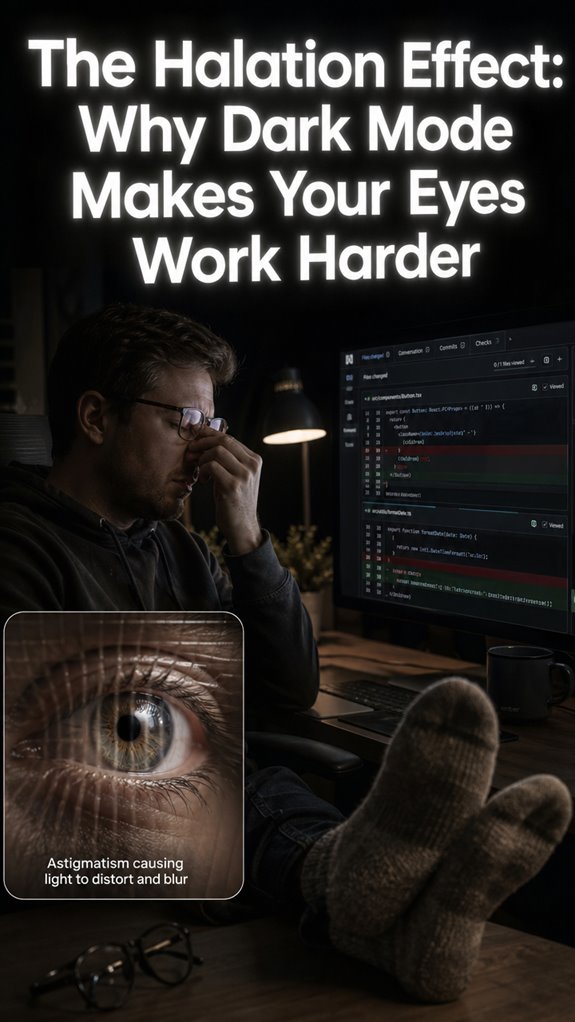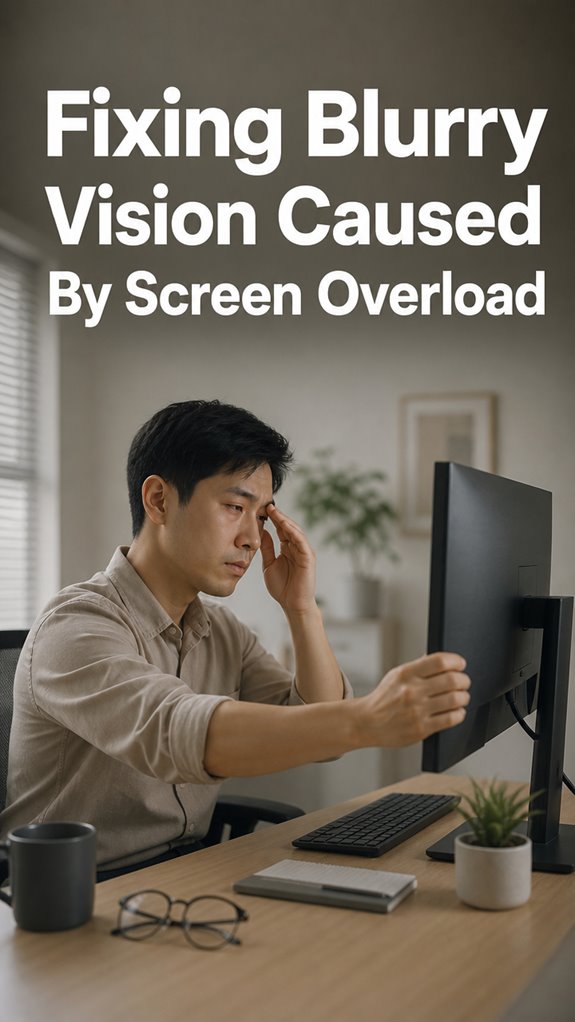
Ever stared at code so long your eyes felt like they were rendering in 480p? Been there. My vision went full Windows 95 after a 14-hour sprint last year.
Dry, burning, blurry mess.
I fixed it.
First, I hacked my monitor setup. Raised it. Tweaked brightness until it didn’t feel like staring into a welding arc. Dropped the blue light. Felt like instant relief.
Then came the 20-20-20 rule. Every twenty minutes, twenty seconds, twenty feet away. Simple. Brutal to remember initially. I set a Pomodoro timer. Game changer.
Glare became my enemy. repositioned everything. Added eye exercises between commits.
My eyes stopped crashing. Yours can too.
How Chronic Screen Time Destroyed My Vision Before I Noticed
Three months in, I developed eye strain migraines that mimicked tension headaches. Couldn’t tell the difference. Pushed through. Classic developer mistake.
Turned out my contrast settings were maxed for “visibility” in dark mode. Wrong move. Combined with my lamp placement, I was essentially running hot pixels on my retinas daily.
Optometrist confirmed computer vision syndrome. Prescription: actual breaks.
Now I track eye health like I track Git commits. Bloodshot sclera, digital eye fatigue, photophobia symptoms, these become my warning logs. I treat my ophthalmic health like production uptime. Non-negotiable.
Quick Takeaways
- Follow the 20-20-20 rule: look 20 feet away for 20 seconds to reduce eye strain.
- Blink regularly to maintain tear film stability and prevent dryness.
- Adjust your screen’s brightness, contrast, and font size to optimize visual clarity.
- Position the monitor at eye level and about 20 inches away to reduce refocus fatigue.
- Take frequent breaks and incorporate eye exercises to recover from visual overload.
Symptoms and Causes of Screen-Related Blurry Vision
In the sprawling codebase of your daily productivity, the top-level symptom of screen-related blurry vision resembles a system malfunction—an unexpected crash of the ocular rendering engine.
You notice icons blur, memory leaks manifest as eye fatigue, and the interface feels pixelated, like Ghost in the Shell’s hacking scene.
Reduced blinking, akin to throttled server requests, evaporates the tear film, causing dryness and blur.
Constant refocusing strains your ciliary muscles, overloaded with low-contrast pixels and glare—software bugs disguised as visual discomfort.
Fundamentally, your eyes are running inefficiently, and unless you patch these issues—correct lighting, proper distance—you’re debugging your own vision. Additionally, incorporating adjustable footrests into your workspace can help alleviate discomfort and maintain better posture, which indirectly supports eye health.
Simple Eye Exercises to Improve Focus and Clarity
When your ocular subsystem begins to glitch—like a deprecated patch causing memory leaks—simple eye exercises serve as essential debugging routines to maintain operational integrity.
Focus on the macro-system failure: eye muscles struggling under the load of endless refocus cycles, tears evaporating faster than a cache purge, blink rates slashed 50%. Implement the “20-20-20” protocol—look 20 feet away for 20 seconds, a manual garbage collection for your optics.
Blink consciously, like clearing your cache, ensuring the tear film doesn’t crash. It’s a low-level patch, but without it, you’ll keep experiencing that “Ghost in the Shell” blur, crashing your visual UI, node by node.
How to Adjust Your Screen for Less Eye Strain
Adjusting your screen setup is akin to debugging a stubborn piece of legacy code that’s causing your entire workflow to glitch—except the crash manifests as eye strain rather than system halts.
You’re fundamentally patching a human hardware flaw: reducing glare, optimizing ergonomics, and calibrating luminance. Implement the following:
| Macro Adjustment | Micro Refinement |
|---|---|
| Correct monitor height, prioritize | Tweak contrast, and contrast with ambient light |
| Proper viewing distance | Adjust font size and color scheme |
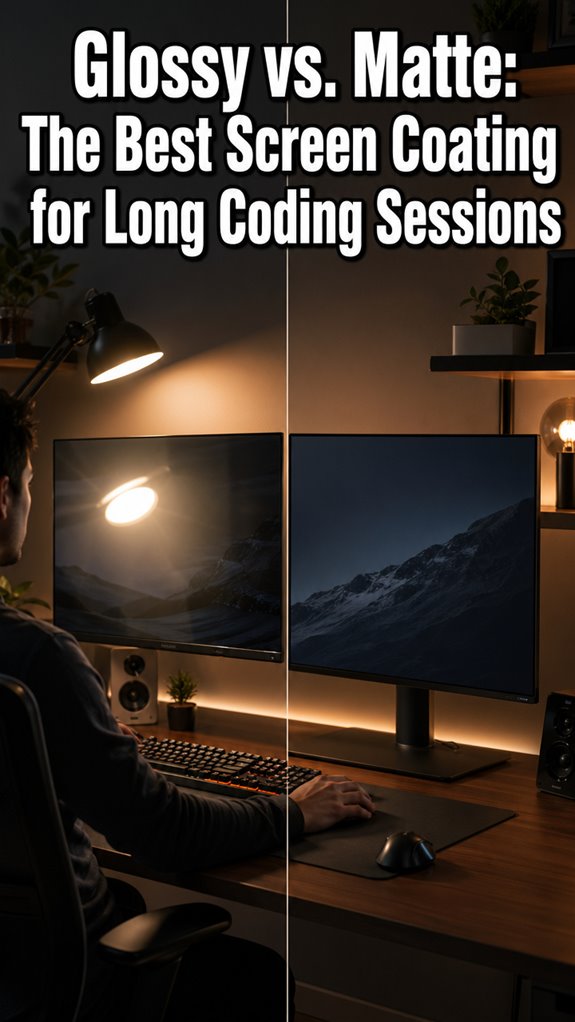
| Minimize glare with anti-reflective filters | Enable night mode, blue-light filters |
It’s like debugging the eye’s firmware—except *you* are the engineer, not Ghost in the Shell. Moreover, consider implementing night viewing adjustments such as reducing brightness to mitigate discomfort during late hours.
When to Visit an Eye Doctor for Persistent Blurry Vision
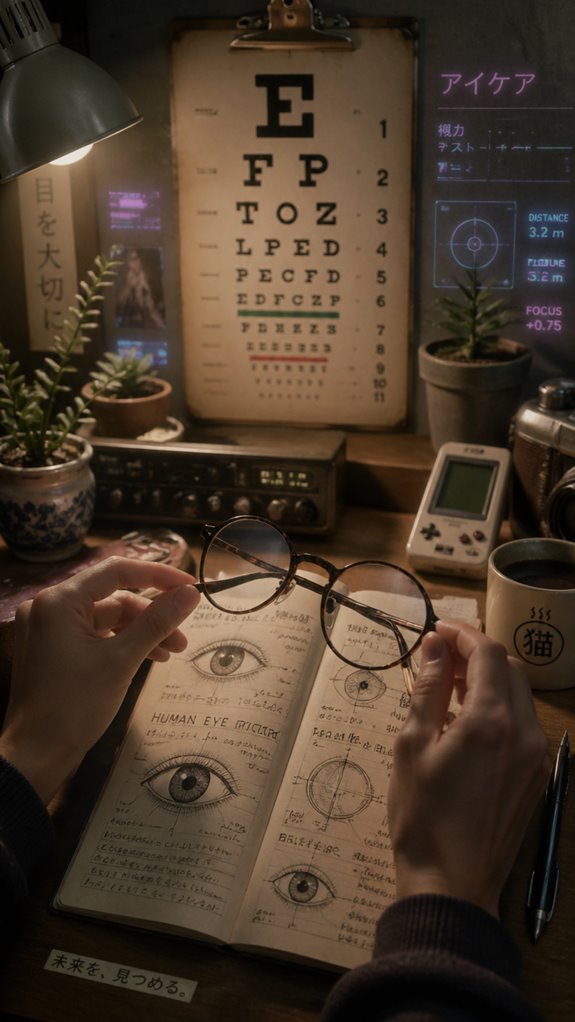
Persistent blurry vision signals a critical flaw in the visual subsystem that can’t be patched with mere software updates or quick recalibrations. You’re running a deprecated interface—your eyes—likely overloading their processing capacity, akin to a legacy kernel crash in “Ghost in the Shell.” When symptoms persist beyond the “debugging” phase, it’s time to execute a full diagnostic and patch deployment: schedule an eye exam.
Ignoring persistent bugs—visual disturbances—risks system failure, leading to potential hardware degradation. Don’t rely solely on screen refresh rates to fix core issues. Proper hardware diagnostics ensure your visual infrastructure remains operational—before your brain’s error logs become irrecoverable. Additionally, consider how smartwatches can help monitor your screen time and remind you to take necessary breaks for eye health.
My Focus Enhancement Routines
In my line of work, where debugging code often feels like chasing elusive bugs in a legacy system, I’ve learned that the most critical flaw isn’t always the code itself but the underlying hardware—our fragile biological systems running on obsolete firmware.
My focus routines are akin to patching firmware corruption; I integrate micro-pauses, like garbage collection cycles, every 20 minutes.
I disable unnecessary background processes—notifications, deep-focus mode—to prevent crashes.
I adjust the environment—ergonomic shaders—akin to optimizing a dev environment.
Like Ghost in the Shell, I attempt to run smooth code, but my biological infrastructure often demands a system reboot or kernel panic fix. Managing jaw pain is crucial, as unresolved tension can further distract from maintaining focus.
Limited Eye Flexibility Exercises
When dealing with the perpetual bug hunt—whether it’s a memory leak or a system crash—your eyes mirror legacy servers sputtering on unsupported firmware. Limited eye flexibility exercises are like patch updates for that hardware. Slow blinking acts as a refresh cycle, ensuring tear distribution, preventing buffer underflows in visual clarity. Regular breaks and eye exercises can greatly reduce digital eye strain, which is a common issue in our screen-dominated lives. Diagram:
| Technique | Focus Area | Frequency |
|---|---|---|
| Slow blinking | Tear film stability | As needed, throughout the day |
| Figure 8 motion | Extraocular muscle control | 30 seconds, multiple cycles |
| Near-far focus shifts | Accommodation system | 10-15 reps, every few hours |
| Circular eye movements | Muscle relaxation | 5-10 in each direction |
| Directional gazing | Vertical/horizontal movement | 3 reps each direction |
Adopt these routines like code refactors—necessary to stave off “visual bugs” and keep your hardware running efficiently.
Ergonomic Workspace Adjustments
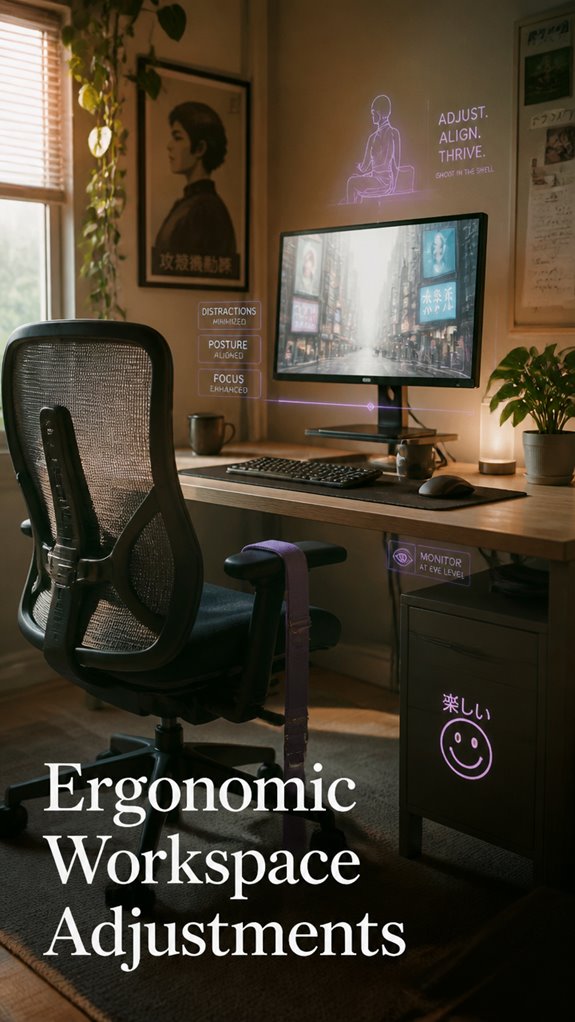
Despite the tyranny of poor workspace ergonomics acting as the cascading fail point in your visual subsystem, the core issue often lies not merely in software misconfigurations but in the faulty hardware environment you’ve blindly accepted—akin to running a critical server on a deprecated kernel.
Optimize for system stability:
- Position your screen at arm’s length, like a proper IDE, to avoid refocusing bugs.
- Elevate your monitor to eye level—no need for awkward neck commits.
- Adjust lighting to minimize glare—think of it as turning off background processes.
- Use anti-glare filters—like patching that memory leak before total system crash.
Additionally, incorporating yoga straps can enhance your overall flexibility and support, providing much-needed relief during long hours of screen time.
Proper Monitor Placement Tips
The root cause of your sluggish visual subsystem often resides in the flawed hardware architecture—your monitor’s improper placement being the low-hanging fruit in this cybernetic bottleneck.
As a developer architecting complex systems, it’s ironic that the easiest fix—correct monitor placement—goes ignored while debugging blink rate drops or eye muscle fatigue.
Position your screen so the top aligns with your eye level, roughly 20 inches away, akin to debugging a problematic function with just the right breakpoint.
Any closer or farther, and your ocular threads splice, causing blur and crashes in tear film.
Ghost in the Shell would advise a streamlined I/O pipeline—your eyes deserve the same, with *ideal* hardware addressing every pixel’s syscall. To further protect your vision, consider implementing regular eye breaks to mitigate the effects of prolonged screen exposure.
FAQ
Can Screen Time Cause Permanent Eye Damage?
Screen time doesn’t cause permanent eye damage if you take regular breaks, adjust your environment, and practice good blinking habits. However, prolonged exposure might lead to ongoing discomfort or strain, so stay proactive to protect your vision.
Are There Specific Foods That Improve Eye Clarity?
You can boost your eye clarity by eating foods rich in antioxidants like carrots, spinach, and fish. Think of it as giving your eyes a fighting chance; what you put in directly impacts your vision.
How Does Blue Light Affect Eye Health Long-Term?
Blue light can cause long-term damage by harming your retina, disrupting your sleep, and increasing digital eye strain. To stay in control, reduce exposure with blue-light filters, take regular breaks, and practice good screen habits.
Do Contact Lenses or Glasses Help Reduce Screen Blur?
Glasses or contact lenses can sharpen your vision and reduce screen blur if your prescription is up-to-date. They help maintain proper focus, decrease strain, and minimize fatigue, giving you more control and clearer visual comfort during screen use.
Can Eye Supplements Prevent or Treat Digital Eye Strain?
Eye supplements can help by supporting tear production and reducing dryness, which may alleviate some digital eye strain symptoms. However, they’re not a cure-all; combining supplements with ergonomic adjustments and regular breaks gives you better control over your eye health.
References
- https://coopervision.com/blog/why-vision-blurry-after-looking-screen-too-long
- https://www.southwesteyecare.net/headaches-blurry-vision-screen-time-digital-eye-strain/
- https://www.centreforsight.net/blog/why-your-vision-blurs-after-too-much-screen-time-and-how-to-fix-it
- https://southwesteye.com/blog/excessive-screen-time-on-eyes-effects-how-to-fight-back/
- https://my.clevelandclinic.org/health/diseases/24802-computer-vision-syndrome
- https://newsnetwork.mayoclinic.org/discussion/mayo-clinic-minute-how-staring-at-screens-can-affect-your-vision-video/
- https://pmc.ncbi.nlm.nih.gov/articles/PMC9434525/
- https://www.aoa.org/healthy-eyes/eye-and-vision-conditions/computer-vision-syndrome
- https://camarillovision.com/10-eye-exercises-for-strained-eyes/
- https://www.clarendonvision.com/our-blog/the-top-5-eye-exercises-for-improved-vision.html
- https://clearchoicelaser.com/things-you-should-know/eye-exercises-to-improve-vision/
- https://www.optometrists.org/vision-therapy/guide-to-vision-therapy/eye-exercises-you-can-do-at-home/
- https://www.healthline.com/health/eye-health/lazy-eye-exercises
- https://www.medicalnewstoday.com/articles/327524
- https://www.cascadiaeyecare.com/2025/06/23/eye-exercises-to-combat-screen-fatigue/
- https://kraffeye.com/blog/8-easy-eye-exercises-to-improve-vision-techniques-and-tips
- https://www.rivertowneyecare.com/post/seven-eye-exercises-to-alleviate-eye-strain