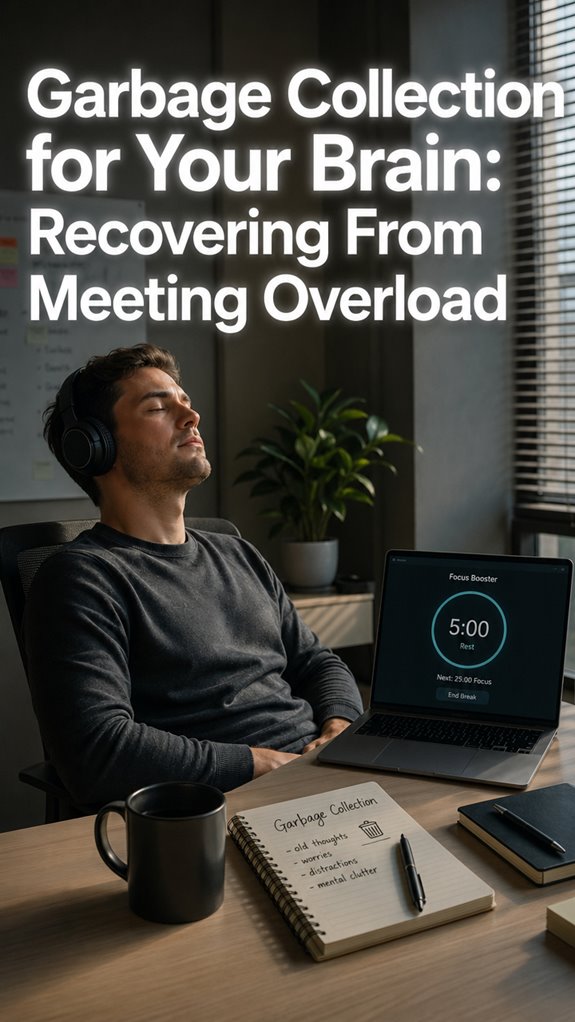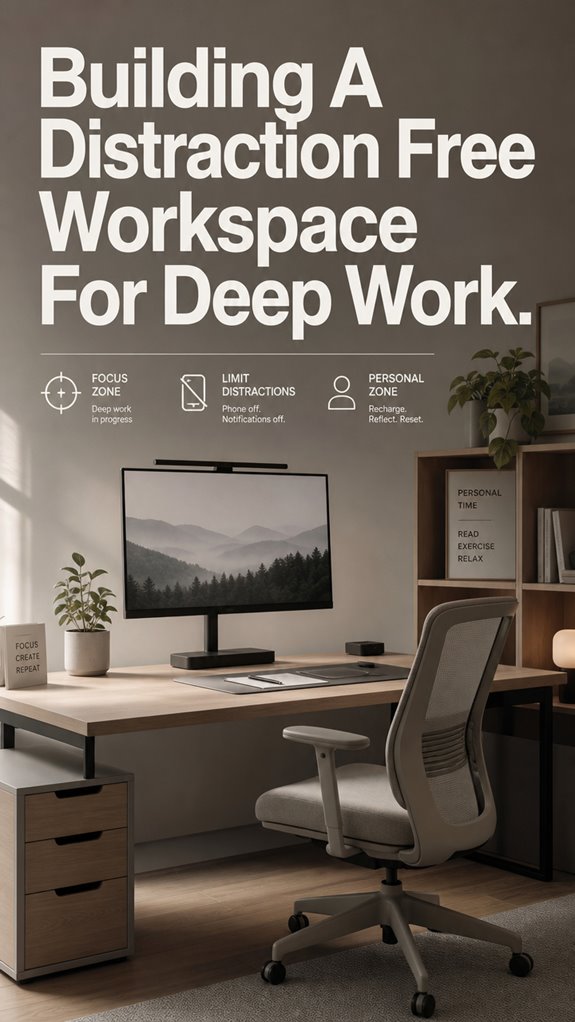
How many context switches does it take to break a developer? For me, about three Slack pings and one rogue Chrome tab.
My setup was a disaster last year. Tower fan roaring like a server room, notifications piling up like unhandled exceptions. I’d sit down to debug, then emerge two hours later having rewatched the same YouTube video four times.
Ergonomic fixes helped. Monitor at eye level. Notifications silenced. Site blockers acting like my own overprotective firewall. But the real fix? Admitting my willpower was deprecated software. Some dependencies you just can’t trust.
—
ergonomic desk setup ruined by one cable
My “perfect” rig lasted exactly one week. I’d spent $400 on a monitor arm, cable trays, the whole aesthetic. Then my charging cable started sliding off the desk edge. Every. Single. Hour. I’d reach down, lose focus, check Twitter “just for a second.”
Three days of this pattern and my deep work sessions were toast. Turns out friction matters more than aesthetics. I fixed it with a $3 adhesive clip. Sometimes the smallest technical debt destroys the architecture. dopamine fasting, attention residue, and that humiliating realization that I’m basically a monkey with a mechanical keyboard.
Quick Takeaways
- Optimize physical workspace with ergonomic furniture, natural lighting, and clutter-free surfaces to minimize physical distractions and enhance focus.
- Disable notifications, exit unnecessary apps, and remove digital clutter to prevent digital interruptions and decision fatigue.
- Design a dedicated, organized work zone aligned at eye level with minimal visual and auditory noise for optimal mental clarity.
- Establish consistent routines and deep work sessions while eliminating internal and external distractions to improve concentration.
- Upgrade workstation ergonomics with supportive accessories and soundproofing to reduce physical and environmental stressors.
How to Create a Quiet, Ergonomic Workspace
In the grand architecture of productivity, neglecting the physical environment is akin to deploying a critical patch on a legacy system without addressing underlying hardware flaws—inevitably, the whole system crashes again, and again, and again.
You can bounce between code reviews, but if your workspace screams visual chaos, your cognitive bandwidth hemorrhages faster than a buffer overflow.
Keep the desk “clean,” like updating your OS with the latest security patches.
Let natural light flow in like a well-placed server rack, minimizing distraction payloads.
Simple Steps to Minimize Digital Distractions
When your digital environment resembles a deprecated legacy system, no amount of code refactoring prevents catastrophic failures; distractions are embedded bugs, silently triggering memory leaks and buffer overruns during peak execution.
To regain control:
- Implement robust app blockers—think Cold Turkey or Freedom—to patch the infinite call stack of notifications.
- Disable all system-wide alerts—eliminate those random “ding” interrupts like a poorly debugged loop.
- Move your phone out of reach—simulate a real-world sandbox, not a Ghost in the Shell interface where every ping signals a logic failure.
Designing Your Environment for Better Focus and Organization
Designing an environment optimized for focus and organization mirrors debugging a notoriously unresponsive codebase—unless you streamline the entire system, no amount of refactoring will prevent user errors or memory leaks.
You’re the system administrator of your workspace, tasked with eliminating visual bloat and auditory noise. Clear desks act like clean repositories—non-essentials are deprecated, leaving only core functions.
Position your monitor at eye level, akin to optimized thread execution. Faced away from traffic, avoiding “API overload,” you reduce cognitive latency.
Even your environment’s lighting and air quality form the infrastructure stack—mindless yet essential updates. Consider integrating best sleep masks, which help minimize distractions and enhance your overall focus.
As Ghost in the Shell subliminally warns, without system integrity, your deep work remains forever in debug mode.
Building Routines That Help You Stay Focused and Avoid Interruptions
Building routines to sustain focus functions much like managing dependencies in a sprawling codebase—an exercise in relentless modularity and disciplined sequencing.
To avoid runtime errors from internal chaos:
- Establish a pre-work ritual, akin to initializing your environment—close distractions, activate focus mode, and open only your current branch.
- Schedule a single deep work session daily, similar to deploying a critical feature, minimizing situational shifts.
- Enforce strict input validation—turn off notifications, lock down distracting websites—before code even hits production.
My Experience With Focus Apps
Traversing the chaos of my cognitive environment feels increasingly like debugging a legacy codebase riddled with memory leaks and race conditions—an inevitable aftermath of long-term system exposure. Focus apps act as patch updates, forcibly disabling background processes—notifications, Slack pings, social media threads—that threaten system integrity. These tools serve as valuable companions in the quest for optimal cycle tracking apps, enabling users to maintain their well-being alongside enhanced productivity.
| App | Functionality | Impact |
|---|---|---|
| Freedom | Block distracting sites | Maintains code purity, reduces bugs |
| Cold Turkey | Enforce offline sessions | Prevents runaway processes |
| Forest | Grow virtual trees while working | Roots me in task, avoid “zombie mode” |
| StayFocusd | Time-limited site access | Helps execute monolithic blocks |
These tools are like digital firewalls—protecting my mental CPU from catastrophic overload.
Digital Clutter Hampers Focus
If your digital environment were legacy code, it’d resemble a sprawling spaghetti mess—null dependencies, memory leaks, random notifications throttling CPU cycles.
- Visual clutter hijacks your visual cortex, fragmenting focus and increasing neural processing overhead.
- Constant alerts flood working memory, causing decision fatigue akin to debugging a malfunctioning API under load.
- Digital hoarding, like random log files, bloats storage, hampers recall, and causes critical failures in cognitive throughput.
As in Ghost in the Shell, your brain’s a cybernetic system, overwhelmed by inefficient architecture. Removing digital clutter streamlines your mental runtime, optimizing deep work—before the system crashes under pressure.
Neuro-Ergonomics Enhances Concentration
In software terms, if your neural CPU is bogged down by subpar ergonomics, it’s akin to running a legacy application on incompatible hardware—expect crashes, lag, and obscure bugs lurking in the background. Your brain’s process scheduling becomes chaotic, memory leaks surface through visual clutter, and noise-induced stress triggers system alarms.
Proper neuro-ergonomics is a hardware upgrade, enabling your cognitive CPU to allocate resources efficiently. When your physical environment mirrors a well-optimized codebase—neutral spine, minimal visual load, soundproof silence—you enable streamlined focus. Incorporating wide armrests into your workspace can significantly reduce shoulder strain, enhancing overall comfort and concentration.
It’s like patching a memory leak—an upgrade that keeps your neural processes pristine, ready for deep work, as “Ghost In The Shell” might suggest, free from systemic bugs.
Creating Ergonomic Workstations
When your physical workstation functions more like a crumbling legacy system than a sleek, modular architecture, the inevitable system crashes—commonly known as pain, fatigue, and distracted migraines—erode your productivity faster than a memory leak in a JavaScript runtime.
- Disable unnecessary peripherals to reduce background bloat.
- Maintain monitor at/below eye level, with a neutral spine chair.
- Segregate workstations from personal routines for environment consistency.
Ensuring ergonomic fidelity isn’t a user story but a critical refactor—think of it as patching your hardware kernel. Without it, your neural cache inevitably corrupts, akin to Ghost in the Shell’s sentient AI hampered by compromised infrastructure. Additionally, practicing full-body posture techniques can significantly enhance your overall comfort and focus during long coding sessions.
FAQ
How Long Does It Take to Recover From a Typical Distraction?
It takes you about 23 minutes to recover from a typical distraction. To regain focus quickly, eliminate visual clutter, minimize noise, and implement your pre-work rituals, helping your brain refocus without prolonged cognitive exhaustion.
What Lighting Conditions Optimize Cognitive Performance Throughout the Day?
You optimize your cognitive performance by adjusting lighting: mornings need bright, bluish light (5000-6500K, 750+ lux); afternoons slightly warmer (4000-5000K, 500-750 lux); evenings, warmer tones (2700-3000K, 300-500 lux). Control lighting for peak focus.
How Can I Effectively Block Digital Distractions During Deep Work Sessions?
Like a digital knight wielding an app blocker, you cut off websites and notifications. Activate OS focus mode, turn off alerts, and put your phone out of reach. Dominate your deep work, free from interference.
What Environmental Cues Trigger My Focus Mode Naturally?
You trigger focus mode by creating an environment with minimal visual and auditory noise, establishing a pre-work ritual, using dedicated objects as cues, and ensuring your workspace is optimized for comfort and consistency, signaling your brain to concentrate deeply.
How Does Physical Layout Influence My Productivity and Deep Work Ability?
Your physical layout impacts your productivity by reducing visual clutter, ensuring ergonomic comfort, and designing for minimal noise. Clear, organized spaces with designated focus zones signal your brain to engage deeply, boosting focus and minimizing distractions.
References
- https://freedom.to/blog/support-thriving-deep-work/
- https://blog.make10000hours.com/post/distraction-free-workspace
- https://themindcompany.com/blog/workspace-for-deep-work
- https://super-productivity.com/blog/how-to-build-a-distraction-free-work-environment/
- https://www.brain-zone.net/learn/focus/digital-distraction/deep-work-cal-newport
- https://www.simplypsychology.org/deep-work-for-beginners.html
- https://www.todoist.com/inspiration/deep-work
- https://www.cogmed.com/articles/employ-deep-work-overcoming-distractions-in-a-demanding-world
- https://www.tidy.haus/blog/the-hidden-costs-of-digital-clutter-why-tidiness-matters-more-than-you-think
- https://malife.app/blog/visual-clutter-affects-productivity
- https://www.vidahr.com/post/the-negative-effects-of-digital-clutter-your-brain-on-notifications
- https://lifecycletransitions.com/the-hidden-impact-of-digital-hoarding-on-mental-health/
- https://peocanada.com/blogs/digital-decluttering-clear-the-clutter-clear-your-mind/