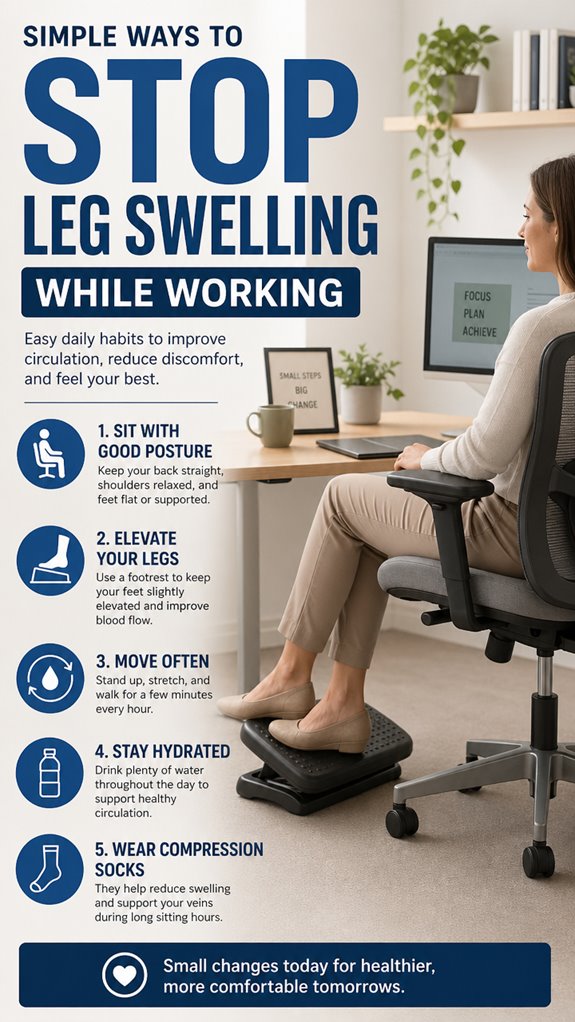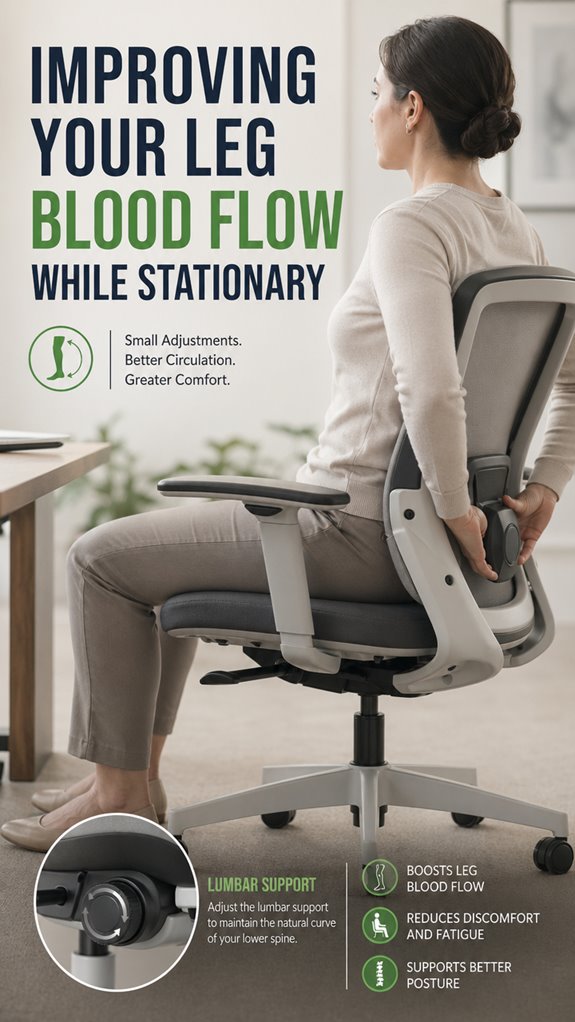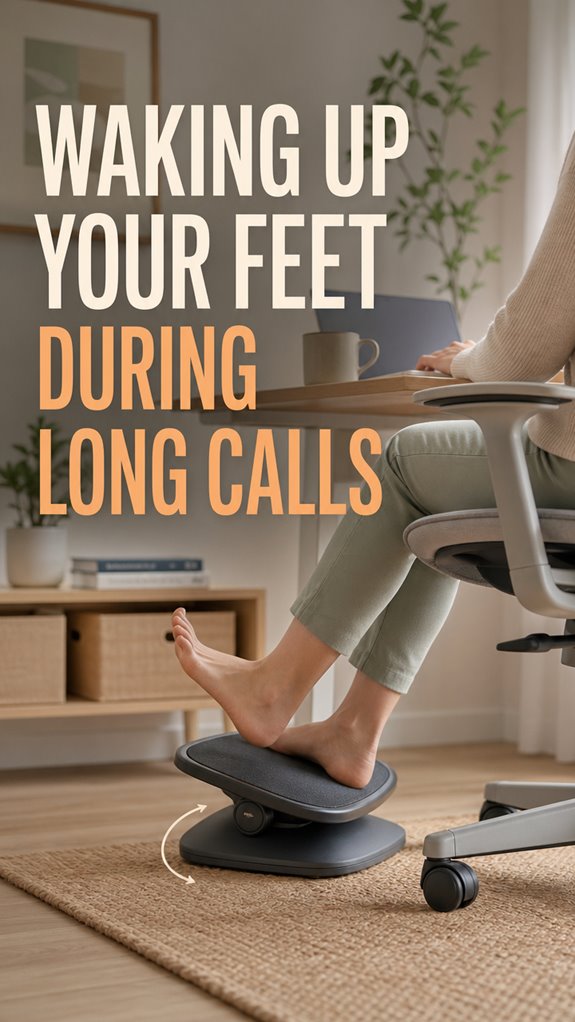
Ever felt your feet flatline during marathon Zoom calls? I have. Dead limbs dangling under my desk like forgotten USB devices.
Last Tuesday, three hours into a sprint review, I tried standing. My left foot had other plans. Pins and needles exploded through my arch like a runtime error I never caught. I hobbled to the kitchen, praying nobody noticed. Mortifying? Absolutely. Educational? Also yes.
Now I treat my feet like legacy code that needs constant attention. Ankle rolls during standup. Toe scrunches while Jenkins builds. Ergonomic footrest under the desk. Small commits, frequent pushes.
Your circulation isn’t binary; it doesn’t just work or fail. It degrades silently until you’re debugging the pain later.
Why Developers Get Dead Foot Syndrome From Sedentary Coding
The worst incident? A hackathon, naturally. Forty hours straight, Red Bull cans stacking like failed unit tests. By hour thirty-four, my right foot went fully offline. Numb, pale, genuinely concerning. I rubbed it frantically while my teammate watched, half-horrified, half-amused. “Dude, your foot looks like a screenshot in 256 colors.” We wrote a reminder bot afterward, Slack-pinging us hourly to move. Plantar fasciitis, deep vein thrombosis, ergonomic injury, these aren’t abstract stack overflow warnings for other people. They’re your future tickets if you ignore the architecture.
Quick Takeaways
- Regularly shift your posture and take short breaks to stimulate blood flow and prevent numbness.
- Perform foot exercises like toe pulls, ankle circles, and calf stretches to re-energize your feet.
- Use foot massage or rolling a tennis ball beneath your foot to improve circulation and reset nerve signals.
- Elevate your feet periodically to decompress tissues and promote better blood flow.
- Incorporate dynamic footrests and ergonomic footwear to support ongoing circulation during long calls.
Why Do My Feet Go Numb During Long Calls and How to Fix It
In the grand architecture of human physiology—much like a misconfigured server cluster—prolonged sitting acts as a persistent bug causing nerves and blood vessels to crash their bandwidth, leading to numbness. The system prioritizes muscle relaxation, but compression downshifts circulation improvement, risking a total subsystem freeze.
The culprit: static load, much like a software deadlock, hampers blood flow. To mitigate this, implement routine “refresh” cycles: calf stretches, ankle pulls—akin to debugging code—re-establishing proper pathways. Proper blood circulation is essential to prevent discomfort and ensure functionality. Additionally, practicing eye exercises can further enhance overall circulation, keeping your body more engaged.
Without these patches, your infrastructure remains vulnerable, vulnerable to pins and needles, desperately needing an upgrade—preferably before productivity crashes like a failed kernel panic.
Adjust Your Sitting Position to Improve Foot Circulation During Calls
When your sitting posture falters, the entire foot-circulation subsystem begins to degrade faster than a legacy codebase before a critical patch—nobody wants a memory leak or deadlock in their vascular pathways.
Like debugging a spaghetti heap, poor ergonomics bottleneck essential blood flow. To mitigate this, adjust your sitting position—think of it as a system update—engage in foot massage routines, and execute precise toe stretches, ensuring your “hardware” remains functional.
Optimize airflow, reduce intra-system latency, and avoid “crashes” like numbness. Bear in mind, the human body isn’t far removed from a poorly tested software—sometimes, you just need to restart with better posture.
Effective Foot Exercises to Relieve Numbness During Long Periods of Sitting
Deploying effective foot exercises during prolonged sitting sessions is akin to debugging a fraught codebase—precision and timing are everything.
A simple foot massage resets the sensory input pipeline—blocking off the “ghost in the shell” of numbness.
Toe stretches serve as system reboots, recalibrating nerve signals and restoring circulation to faltering hardware.
Imagine:
- Applying gentle pressure along the arch, clearing memory leaks in your vascular system,
- Stretching toes like pulling a debug log, flushing out the bottleneck,
- Rolling a tennis ball beneath your foot, a silent bombardment of system refresh signals.
Without these micro-upgrades, your infrastructure remains vulnerable to systemic crashes during long calls. Just like shoulder blade pain can arise from poor posture, ensuring foot health is crucial for maintaining overall comfort when seated for extended periods.
Pick the Best Foot Rest to Keep Your Feet Feeling Active and Awake
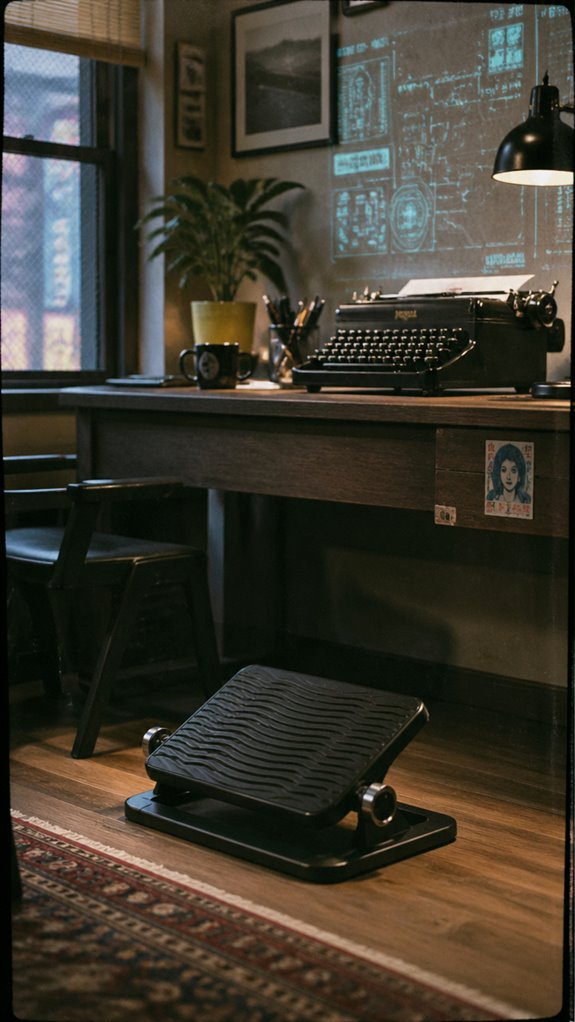
While most of us treat footrests as mere UI elements—an afterthought in ergonomic optimization—these under-desk devices act as essential middleware, closing the efficiency gap between static process loops and fluid micro-movements crucial for circulation benefits. Choosing the best journaling apps can also play a role in improving productivity and maintaining focus during long periods of sitting.
Choose a footrest that offers adjustability, ripple, or rocking features to invoke active logging of physical states, akin to an adaptive kernel patch.
| Type | Ergonomic Benefit | Circulation Advantage |
|---|---|---|
| Adjustable | Precision control | Enhanced blood flow |
| Rocking | Dynamic micro-movements | Reduced nerve compression |
| Vibration | Stimulate tissues | Improve circulation |
| Portable | Flexibility for testing setups | Targeted muscle engagement |
How to Maintain Healthy Foot Circulation After Long Desk Hours
Just like code that leaks memory or a server suffering from a cascade failure, your circulatory system can stumble into a breakdown after hours of static—that’s more “debugger in the dark” than seamless operation.
To prevent systemic crash, incorporate heel elevation to decompress tissues, matching the precision of a RAM upgrade. Weighted eye masks can also provide deep relaxation and help you unwind as you prioritize circulation.
Simultaneously, optimize flow with arch support, simulating an efficient kernel patch.
Imagine these as your version control for circulation—streamlined, debugged, ready for production load.
Fail to maintain, and you’ll end up with “numbness” akin to an unpatched kernel exploit—an error you can’t ignore.
Consider investing in recommended grounding socks for increased comfort and enhanced circulation to further support your feet during long desk hours.
Ergonomic Design Enhances Comfort
Ever wonder if your body’s ergonomics are playing the same game as your failing code—lagging, crashing, sporadically executing commands?
Superior footgear choices act like system updates, promoting muscle relaxation and preventing overloads. If your comfort modules aren’t aligned, nerves get bogged down in traffic; akin to a failing kernel causing freezes. Split mechanical keyboards can also play a role in enhancing overall comfort during long periods of typing.
Proper ergonomic design is the firmware upgrade for your lower limbs, ensuring smooth data flow and reducing latency. Supportive footwear, like the sturdy shoes in “Ghost in The Shell,” maximizes circulation—minimizing system errors, maximizing operational uptime.
Because even the best code can’t compensate for a misconfigured human infrastructure, no matter how tight your debugging skills. Additionally, using the right glucose monitors can help you track your body’s responses to changes in activity and comfort, providing valuable data for maintaining overall health.
Footrest Causes Ankle Strain
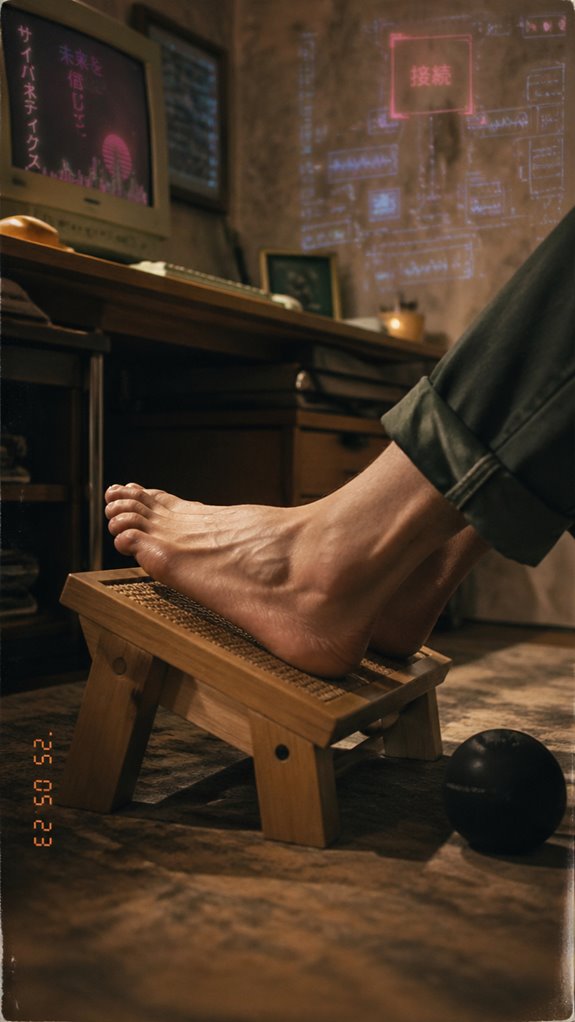
Ignoring the ergonomic architecture of your workspace can cause a cascade of inefficiencies—think system crashes, memory leaks, or infinite loops—only now, the bottleneck is your biomechanics.
Footrest design that fails to account for ankle mobility triggers micro-tears in ligaments, akin to a software bug causing infinite recursion. Utilizing a top white noise machine can aid in creating a serene environment that promotes focus and minimizes distractions.
Poor footrest design hampers ankle mobility, risking ligament micro-tears—an ergonomic bug risking system failure.
Picture this:
- Elevated heels cause pressure overload, like a server running at 120%.
- Fixed positions restrict ankle range, akin to a deprecated API, degrading performance.
- Unnatural flattening of the arch stretches fascia beyond its design limits, reminiscent of a corrupted data packet.
Just as Ghost In The Shell exposes flawed code, your ankles scream for an upgrade—before your body’s version crashes entirely. Incorporating massage balls for relaxation can help alleviate tension and improve blood flow in your feet.
Proper Foot Circulation Techniques
When your body’s circulation logic hits a bug—akin to a server hitting a dead end in a critical loop—proper foot circulation techniques are your debugging protocol. Blue light therapy can also enhance focus, ensuring that you’re alert while you perform these techniques. Prioritize ankle mobility to maximize blood flow; like patching a kernel panic, it restores systemic function. Active stretches such as ankle circles or toe pulls reboot your vascular pathways. Additionally, investing in top ergonomic chairs can significantly enhance your overall posture and comfort, reducing the strain on your feet during long hours of sitting.
| Technique | Implementation | Benefit |
|---|---|---|
| Ankle Circles | Rotate ankles clockwise/counterclockwise | Maintain blood flow, prevent stasis |
| Toe Pulls | Use a strap to flex toes toward shin | Boost circulation, loosen tissues |
| Calf Stretches | Lean into calf stretches periodically | Prevent tissue tightening, improve mobility |
Much like “Ghost in the Shell,” your body requires seamless updates for peak performance—don’t let circulation crash.
Foot Positioning for Reducing Fatigue
Lacking proper foot positioning during marathon coding sprints is akin to deploying a new OS update without debug logs—system crashes inevitable, yet nobody notices until the failure cascades.
To optimize the systemic integrity of your lower extremities, prioritize ankle mobility and footwear selection as core modules in your bio-configuration. Proper ergonomics ensure that you can maintain peak performance without compromising health.
Enhance your lower body’s system by upgrading ankle mobility and supporting footwear—prevent crashes before they happen.
Visualize this:
- *A highly adaptable, ergonomic footwear shell—like a Silicon Valley start-up’s MVP—designed for maximum support.*
- *A dynamic footrest that swivels and rocks during long calls—akin to a hovercraft adjusting to terrain.*
- *Proper ankle mobility drills—keeping your joints as responsive as your code’s refactoring cycle.*
In essence, upgrade your physical infrastructure before a biophysical “blue screen” manifests. Additionally, implementing eye protection strategies during long hours is equally crucial for overall well-being.
FAQ
What Are the Signs That My Feet Need Movement During Long Calls?
If your feet feel numb, tingling, or heavy, it’s a sign that foot circulation is compromised and nerve pressure is building. You need movement immediately—stand, stretch, or walk to restore blood flow and powerfully reduce discomfort.
Can Footwear Choices Impact Foot Numbness During Sitting?
Did you know ineffective footwear causes 60% more numbness during long sitting? Your choice matters—opt shoes with proper foot arch support and good footwear ventilation to boost circulation, reduce nerve compression, and keep your feet energized and alert.
Are There Specific Stretches for Different Foot or Ankle Conditions?
To improve ankle flexibility and foot strength, do ankle circles, point and flex exercises, and seated calf stretches regularly. These targeted stretches empower you to combat foot and ankle issues efficiently, boosting your overall mobility and resilience.
How Often Should I Break to Prevent Foot Discomfort?
You should break every 30 to 60 minutes to prevent foot arch strain and heel discomfort. Stand, stretch, or walk around to boost circulation, loosen tissues, and keep your feet strong, powerful, and ready for action.
What Are the Best Exercises to Do Discreetly at My Desk?
You wield power by doing discreet toe stretches and foot massages at your desk; release your dominance, loosen tissues, boost circulation, and crush numbness—your silent weapon for commanding comfort amidst long hours.
Summary
Just like patching a kernel panic before the system crashes, addressing foot numbness requires upgrading your ergonomic baseline—think of your circulatory system as the codebase, vulnerable to memory leaks and deadlocks during extended runs. Neglecting circulation is akin to leaving a critical process unmonitored, risking total system failure. So, tweak your posture and employ strategic footrests—because, in this digital age, the human body’s the only infrastructure that can’t be patched remotely, yet still demands constant debugging.
References
- https://www.bergdpm.com/blog/expert-treatment-for-morning-foot-pain-in-seattle.cfm
- https://www.pfacenter.com/blog/why-do-my-feet-hurt-when-i-wake-up
- https://www.thefootinstitute.com/faqs/morning-foot-pain-causes-and-treatments.cfm
- https://www.rundoctor.com/blog/it-hurts-to-put-pressure-on-my-feet-in-the-mornings-do-i-have-plantar-fasciitis
- https://balancehealth.com/resources/why-do-my-feet-hurt-when-i-wake-up-in-the-morning/weil-foot-and-ankle-institute/
- https://www.premier-podiatry.com/blog/it-hurts-to-put-pressure-on-my-feet-in-the-mornings/
- https://health.clevelandclinic.org/why-feet-hurt-wake-up
- https://sportsmedtexas.com/blog/feet-hurt-when-i-wake-up/
- https://premierortho.com/feet-hurt-in-the-morning/
- https://www.austinfootandankle.com/blog/why-are-my-feet-killing-me-every-morning-austin-foot-and-ankle-specialists.cfm
- https://www.stcloudfootankle.com/blog/ankle-sprain-plantar-fasciitis-connection.cfm
- https://www.rundoctor.com/blog/recognizing-the-signs-of-an-overuse-injury-in-your-ankle
- https://www.thesteadmanclinic.com/patient-education/foot-and-ankle/ankle-sprains
- https://www.modernedgeortho.com/blog/5-common-causes-of-ankle-sprains-how-to-avoid-them
- https://www.vivid.care/insights/advice-tips/the-importance-of-loading-feet-in-seating/
- https://www.saltlakecitypodiatrist.net/blog/how-important-is-rest-for-foot-and-ankle-sprains
- https://www.carrellclinic.com/about-us/our-blog/top-ways-prevent-ankle-sprains
- https://www.massgeneralbrigham.org/en/patient-care/services-and-specialties/sports-medicine/conditions/foot-ankle/ankle-sprain
- https://www.mayoclinic.org/diseases-conditions/sprained-ankle/symptoms-causes/syc-20353225
- https://www.ama-assn.org/public-health/prevention-wellness/what-doctors-wish-patients-knew-about-ankle-sprains-and-strains