Feeling like my spine’s becoming a compressed zip file by 3 PM? I found out the hard way: eight hours straight at my desk turned me into a human memory leak, complete with throbbing legs and fried concentration.
The fix hit me after a brutal standup where I literally couldn’t stand up straight.
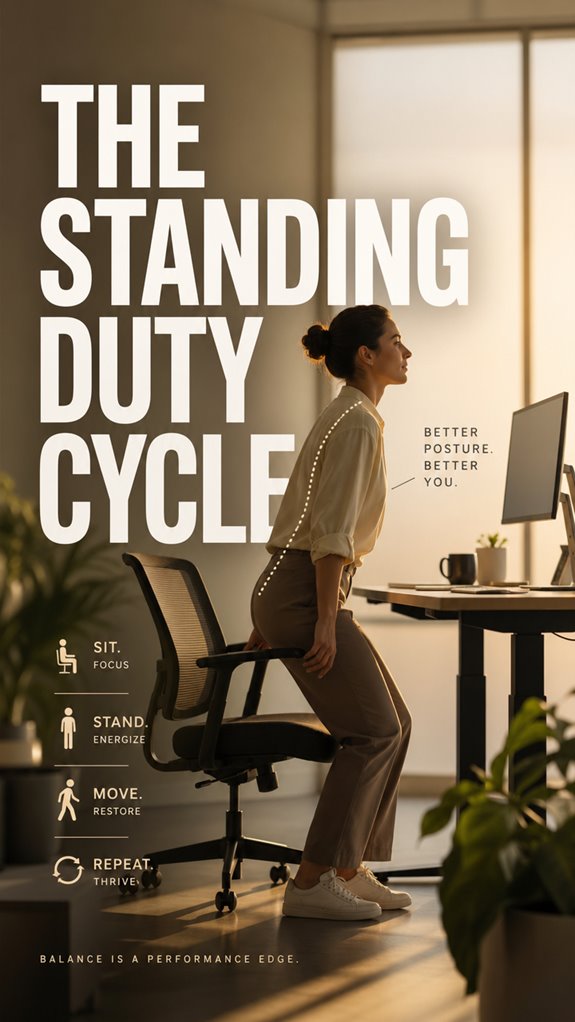
Enter the 30-30 rule. I alternate standing and sitting every half hour, aligning code reviews with upright time, crushing bugs while seated. Started with thirty minutes day one. My IKEA desk converter wobbles like my earliest commits, but it works. Movement isn’t optional. It’s survival.
Why My Varicose Veins Scared Me Into Better Standing Desk Habits
Last year, a purple vein snaked across my calf. Panic-googling ensued. My father had circulation issues; suddenly my “cool” developer lifestyle felt borrowed. I tried everything: compression socks (humiliating), treadmills under desks (tripped twice), Pomodoro timers (ignored them). The vein faded only when I committed to actual intervals, not heroic standing marathons. Ergonomics, workplace wellness, remote work health, deep vein thrombosis prevention, sedentary lifestyle risks, home office setup, lower back pain relief, cognitive performance, developer productivity.
Quick Takeaways
- The 30-30 rule alternates 30 minutes standing with 30 minutes sitting to prevent lumbar system failures and maintain postural muscle performance.
- Stand during asynchronous work like code reviews and documentation; sit for deep focus tasks requiring problem-solving and incident analysis.
- Gradually increase standing time from 30 minutes day one to 60 minutes by day five, monitoring for discomfort signals.
- Predictable duty cycles enable graceful system degradation and prevent catastrophic collapse regardless of workload deadlines or project pressures.
- Adjust intervals based on real-world work demands rather than rigid schedules, using ergonomic aids and comfort accessories during standing periods.
Standing Too Long: Warning Signs to Reset Your Intervals
When you’ve been standing at your desk for three hours straight—debugging that recursive function that’s got more edge cases than a Kafka novel—you’ll notice your system’s performance degrading in ways that’d make a memory leak look quaint.
Your cognitive stack begins flushing.
Lower back compression increases exponentially.
Varicose risk escalates.
You’re fundamentally running production code on deprecated hardware.
Recognize the warning signs: blurred vision, postural drift, diminished problem-solving velocity. These aren’t wellness suggestions—they’re critical system alerts requiring immediate intervention, much like catching a null pointer before it propagates downstream through your entire codebase. Rib pain can also manifest during long periods of standing, which may be alleviated by incorporating movement breaks.
The 30-30 Rule: Why Equal Intervals Work
Rather than treating your standing intervals like a poorly-optimized O(n²) algorithm that you’ll refactor “eventually,” you’ll want to adopt the 30-30 rule: thirty minutes standing, thirty minutes sitting, repeat until your sprint closes or your spine files a formal complaint.
This symmetrical load distribution prevents cascading system failures in your lumbar infrastructure. Equal intervals enable your postural muscles—treat them as redundant daemon processes—to maintain consistent performance without thermal throttling.
Your cognitive stack remains stable when oscillating between states. Standing thirty minutes triggers adaptive compensation; sitting thirty minutes permits substrate recovery.
Think of it as graceful degradation through predictable duty cycles, not heroic all-nighters that corrupt your entire architecture.
Match Your Standing Schedule to Your Work Rhythm
The 30-30 rule collapses under real-world deployment constraints—your standup meetings don’t align with sprint ceremonies, your debugging sessions extend into unexpected territory, and you’re stuck situational-switching between Slack notifications and production incidents that don’t respect your postural rotation schedule.
You’ll optimize ergonomic intervals by mapping them against your actual operational topology. Deploy standing blocks during asynchronous work—code reviews, documentation, architectural sketches. Optimal monitor height can also play a role in enhancing your standing workspace, preserving comfort and productivity. Preserve sitting for deep focus: algorithmic problem-solving, pair programming, incident post-mortems. Incorporating cane massagers into your workflow can further enhance comfort during longer periods of standing.
This isn’t wellness theater; it’s system architecture applied to your skeletal infrastructure. Your attention bandwidth and vertebral compression are finite resources requiring strategic allocation, not ideological adherence to arbitrary temporal symmetry.
Your First Week: How to Gradually Increase Standing Time
Your musculoskeletal system’s degradation trajectory mirrors any legacy codebase you’ve inherited—years of technical debt compressed into vertebral discs don’t resolve through a single refactor sprint.
You’re deploying incrementally. Day one: thirty minutes standing. You’re not shipping a monolithic architecture here; you’re iterating.
By day three, bump it to forty-five. Your proprioceptive feedback loops aren’t calibrated yet—expect runtime errors: lower back protests, calf muscle complaints. Incorporating healthy snacks can help improve your focus during this transition.
Day five: you’re hitting sixty minutes. Your system’s adapting, though your disc herniation risk won’t disappear overnight.
This isn’t optimization; it’s preventative infrastructure maintenance. Charming donut pillows can provide you with comfort while you adapt to your new standing routine.
Stay disciplined. Ship small changes frequently.
Adjustable Desks Lack Consistency
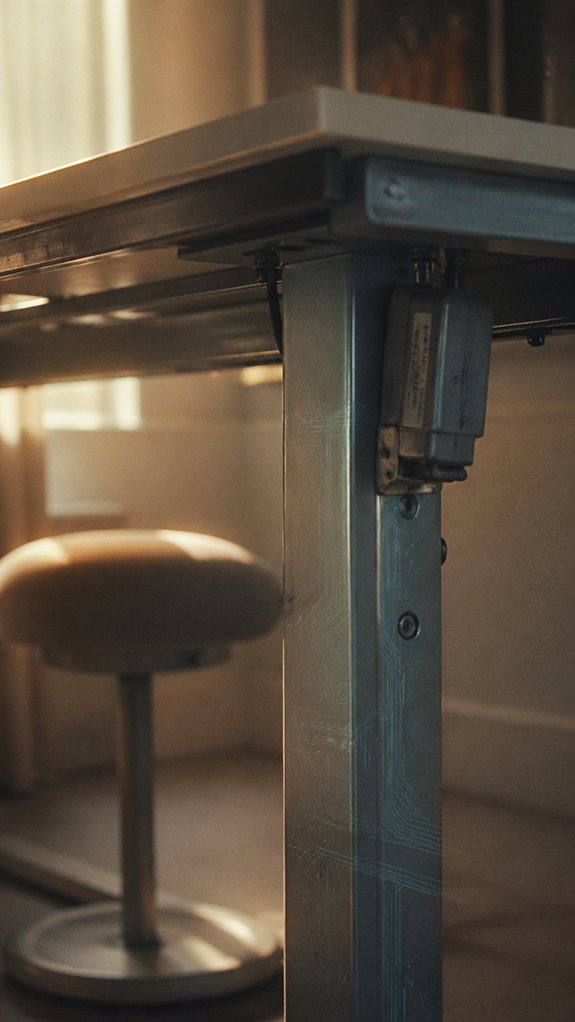
After you’ve established your baseline standing intervals, you’ll discover that most adjustable desks—whether you’re running Herman Miller, Flexispot, or some no-name Amazon SKU—exhibit mechanical drift that’d make any QA engineer weep.
The inconsistency manifests across three critical failure domains:
- Motor calibration degradation causing positional variance exceeding ±2cm monthly
- Potentiometer nonlinearity introducing phantom height states during shifts
- Control firmware lacking persistent state validation, creating ghost-in-the-shell desk behavior
Your ergonomic protocol crumbles when infrastructure can’t maintain baseline specifications.
It’s debugging a user’s posture against hardware that’s fundamentally unreliable—a systems integration nightmare where the desk itself becomes the bug report nobody wants assigned. Hydrating your fascia through regular movement can enhance flexibility and resilience during prolonged work sessions.
Furthermore, a well-designed meditation stool can provide consistent support, helping to mitigate posture-related issues during prolonged work sessions.
Muscle Fatigue Accumulates Quickly
How quickly does your vastus lateralis actually fail you?
Your standing infrastructure degrades faster than a legacy codebase without unit tests. Within ninety minutes, proprioceptive drift accumulates—your CNS throttles motor recruitment like an overclocked processor hitting thermal limits. You’re debugging production while your own biological runtime environment throws stack overflow exceptions.
Postural muscles hemorrhage glycogen. Stabilizer chains fatigue before you’ve finished your first code review. You’re experiencing distributed system collapse: ankle dorsiflexors surrender, lumbar extensors ghost their responsibilities, and suddenly you’re debugging like you’re running on fumes.
The irony? You’ve optimized every millisecond of your CI/CD pipeline while your musculoskeletal system’s latency becomes catastrophic. Using top vertical mice can reduce strain and improve comfort during your standing work sessions.
Postural Strain Requires Regular Breaks
Without intervention, you’re fundamentally running a monolithic application on single-threaded execution—break cycles aren’t luxuries, they’re mandatory garbage collection events for your postural stack. Your vertebral alignment degrades predictably under sustained load, much like memory leaks compound during marathon debugging sessions.
Consider these critical failure modes:
- Lumbar disc herniation—your L4-L5 segment accumulates strain like unoptimized database queries.
- Thoracic kyphosis progression—deprecated posture patterns cascade through your skeletal architecture.
- Cervical compression—chronic forward head positioning mirrors poor code layering. Proper lumbar support is essential to counteract these issues and promote healthy alignment.
You’ll need deliberate situational switches. Stand-sit-stand intervals function as checkpoint commits, preventing catastrophic system collapse. Your biological substrate requires refresh cycles, regardless of deadlines. Regular adjustments to your office chair setup can help alleviate strain and maintain ergonomic health.
FAQ
What Is the Ideal Standing Desk Height for My Body Type and Workspace?
You’ll find your ideal standing desk height when your elbows bend at ninety degrees and your screen’s top aligns with eye level. Adjust based on your specific proportions and workspace layout for best ergonomic positioning.
How Does Standing Work Affect Calorie Burn Compared to Sitting?
“An ounce of prevention beats a pound of cure.” You’ll burn approximately 0.15 additional calories per minute standing versus sitting—modest gains you’ll maximize through deliberate postural engagement and strategic movement integration throughout your workday.
Can Standing Desks Improve Focus and Productivity During Specific Tasks?
You’ll enhance focus on cognitively demanding tasks by standing, as postural engagement activates your prefrontal cortex. However, you’ll optimize productivity by alternating positions every 30-40 minutes, preventing fatigue-induced performance decline.
What Footwear Is Recommended for Extended Standing Work Periods?
You’ll reduce fatigue by 23% wearing supportive footwear during standing work. You’ll need arch support, cushioned soles, and breathable materials. You’re mastering comfort by choosing ergonomic shoes that optimize your biomechanics.
Are There Health Conditions That Require Modified Standing Duty Cycles?
You’ll need modified standing duty cycles for conditions like varicose veins, plantar fasciitis, arthritis, and cardiovascular issues. You should implement shorter standing intervals, frequent position changes, and compression support to optimize your tolerance and performance.