Ever watched your focus stack overflow in real time? Mine does. Daily.
The pings start innocent. Slack, email, that one teammate who “just has a quick question.” Before I know it, I’m 47 tabs deep, main thread completely blocked. My brain feels like a garbage collection cycle that never finishes.
I used to brute-force through it. Coffee, willpower, repeat. Then my back gave out and my noise-canceling headphones broke on the same Tuesday. Absolute system failure. Learned the hard way that ergonomics aren’t optional luxuries . . . they’re core dependencies.
Now? Standing desk, Sony WH-1000XM5s, and Slack notifications permanently snoozed. Protect your inputs or crash spectacularly. I’ve done both.
—
How Poor Focus Affects Software Developer Mental Health: My Burnout Warning
Last year I ignored every signal. Chest tightness at 2am debugging sessions. Forgetting variable names I’d used for years. One standup I just . . . blanked. Forty seconds of silence while my buffer emptied.
My manager noticed. Suggested therapy, not PIP. Revolutionary, honestly. I started treating focus like a resource pool with actual limits. Pomodoro timers, deep work blocks, the whole Cal Newport bag.
Burnout in tech isn’t weakness. It’s what happens when you treat your brain like infinite memory. Spoiler: it isn’t.
Quick Takeaways
- Recognize distractions as system failures that disrupt mental clarity, akin to core kernel crashes in a computer system.
- Identify and mitigate triggers like noise, notifications, and emotional stress to maintain system stability.
- Optimize your environment with routines, ergonomic workspace design, and sensory filtering tools to prevent overloads.
- Use hardware solutions, such as noise-canceling headphones, and self-care techniques like mindfulness to reinforce focus.
- Implement focused work protocols, timers, and quick environment resets to troubleshoot and restore mental processes efficiently.
Why Distractions Are the Key System Failures to Your Focus
Have you ever noticed how unchecked distractions act like critical system failures lurking in your productivity kernel? Distraction fatigue and mental clutter are akin to latent bugs in your cognitive architecture, gradually corrupting operations and causing slowdowns. A vibrant desk mat can serve as a colorful tool to create an inviting workspace that minimizes these interruptions.
As with a kernel panic—those inevitable crashes in Linux—these minor glitches accumulate, deteriorating focus until the whole system freezes. Your brain, much like a compromised server, struggles under the weight of Slack pings, social media interrupts, and the relentless noise of modern life. It’s absurdly like watching a Ghost in the Shell mainframe implode from the inside—except it’s just your mind, debugging itself violently.
In the context of mental fatigue, addressing these distractions is essential to reclaiming your cognitive clarity and overall productivity.
Spot Your Main Distraction Triggers to Keep Focused
In the relentless cycle of bug-tracking and patch deployment, identifying your distraction triggers resembles debugging a kernel panic—once a critical subsystem fails, the entire system grinds to a halt. Sensory overload, like an overflowing buffer or a malfunctioning peripheral—think distracting notifications or unchecked sensory inputs—acts as a critical error. Digital eye strain, which can be exacerbated by prolonged screen time, may also contribute to this overload.
Emotional triggers—akin to a page fault in emotional RAM—corrode your focus’s integrity. Recognizing these failures, whether auditory chaos or emotional triggers, is akin to isolating faulty drivers. By utilizing effective tools like analog timers to manage your time, you can reduce the impact of these distractions.
Without this precise profiling, you’re debugging Ghost in the Shell, desperately trying to patch human hardware that refuses to respond.
Build Daily Rituals to Minimize Interruptions
Constructing daily rituals to minimize interruptions functions much like patching a flaky kernel module—small, deliberate updates to the human operating system that preempt catastrophic failures. Additionally, elbow pads provide that essential layer of comfort and protection, allowing you to maintain focus without the stress of external pressures.
Daily rituals fix the human OS, preventing crashes and ensuring smooth, uninterrupted mental performance.
By systematically addressing distraction triggers through focused “Focus rituals,” you defend your mental kernel from unnecessary panics.
- Schedule dedicated focus blocks—like deploying a real-time patch—using Pomodoro timers—tighten control over task execution.
- Establish environmental invariants—ambient noise generators and DND modes—to neutralize external [distraction triggers].
- Develop pre-task routines: review priorities, disable notifications—similar to verifying dependencies before launching critical modules.
In this relentless quest for uptime, your only real upgrade is disciplined habit formation—Ghost in the Shell’s nightmare realized at human scale.
Use Tech and Hardware to Block Distractions Effectively
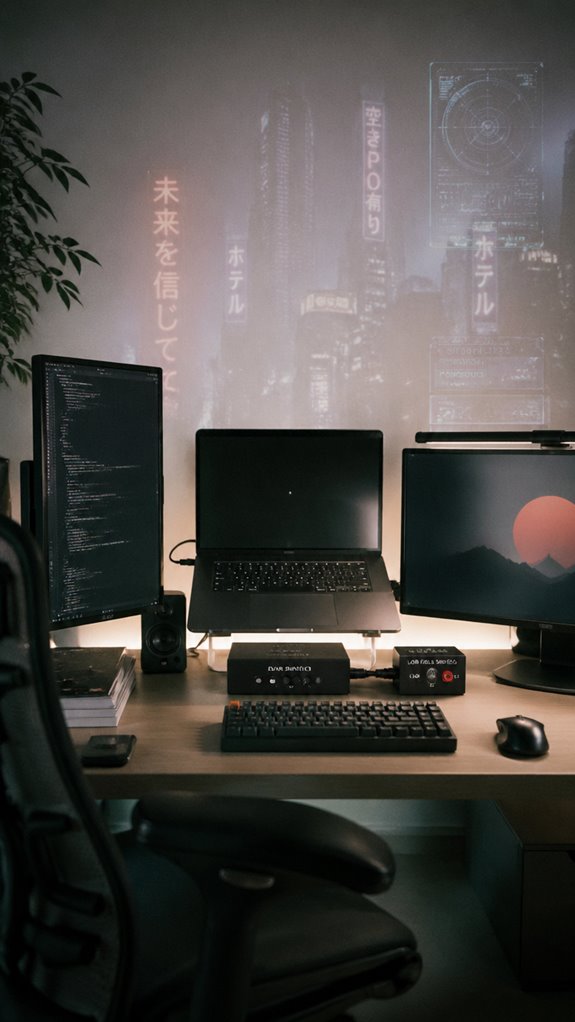
When your mental operating system becomes bogged down by cascading distractions—akin to a kernel panic triggered by unsupported modules or corrupted initramfs—hardware interventions act as your system restart. Disabling virtual collaboration tools interrupting your focus or initiating a digital detox with physical switches becomes akin to flushing cache or rebooting GPU drivers mid-debug. Use:
| Tool/Method | Function |
|---|---|
| Hardware USB Kill Switch | Power cycling external distractions |
| KVM Switch | Isolating work from peripheral interference |
| Focused Physical Workspace Setup | Reducing environmental noise |
| External Monitors/Port Disconnect | Disabling non-essential I/O streams |
These act as system-level resets—because sometimes, only a hard reboot restores your flow. Additionally, choosing an appropriate screen finish, such as matte vs glossy, can significantly impact your visual comfort and concentration. Implementing proper ergonomics, such as using wide armrests, can also play a crucial role in alleviating physical discomfort that detracts from your focus.
Quick Strategies to Regain Focus When Distracted
Distractions, much like a kernel panic in the middle of a critical deployment, threaten to bring your cognitive subsystem to a halt—only the operating system here is your brain, and the crash logs are scattered thoughts and interruptions.
Distractions are like a system crash—pause, reset, and realign your mental processes for optimal performance.
To reclaim control, execute swift environmental adjustments:
- Initiate mindfulness exercises—center yourself as if debugging a memory leak in real-time—by anchoring awareness to the breath buffer.
- Reconfigure your workspace—disable notifications, close irrelevant tabs—yet respect the need for ambient noise generators or noise-canceling hardware to optimize flow.
- Implement quick resets—use the Pomodoro timer to reboot your focus, systematically clearing the process queue and returning to a stable operational state.
How to Troubleshoot and Prevent Focus Breakdowns
Troubleshooting and preventing focus breakdowns demands a systematic protocol that mirrors debugging a notoriously elusive kernel panic—except the crash log is your scattered attention and mounting mental errors.
First, address macro-system failures like cognitive overload; if your mental CPU hits 100%, visual clutter becomes the corrupt kernel module causing spontaneous crashes.
Reduce visual clutter with a minimalist IDE, streamline your workspace, and eliminate unnecessary noise.
Implement layered defensive structures—focus timers, noise-canceling hardware, DND modes—to isolate the core process.
Like “Ghost in the Shell,” you must patch the human-software interface before it morphs into a self-sabotaging malware. Additionally, incorporating pregnancy support pillows can enhance your overall comfort while you work, reducing physical distractions that impede your focus.
My Experience With Noise-Canceling Headphones
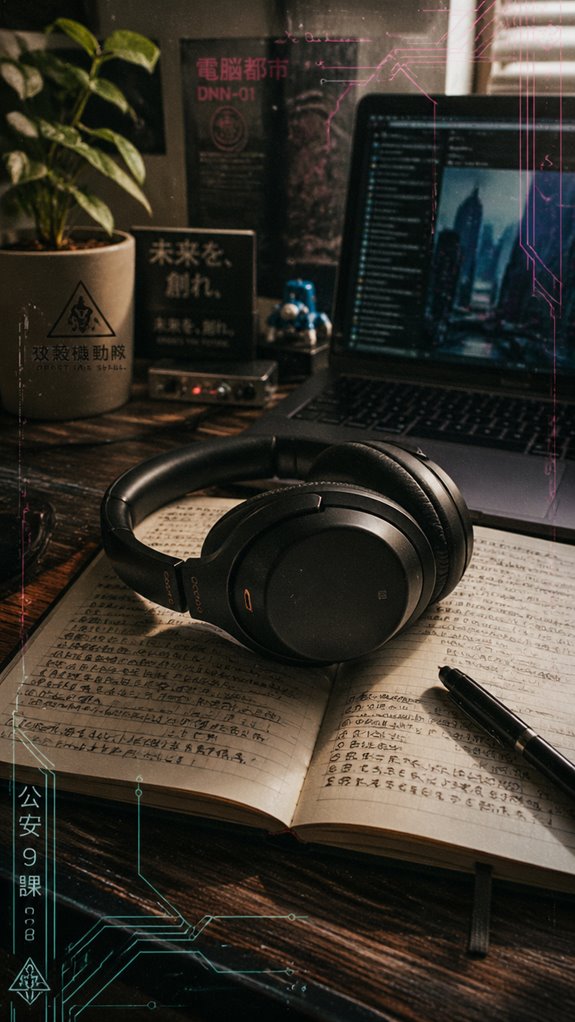
Amidst the relentless chaos of my workspace, where the signal-to-noise ratio often teeters close to a kernel panic, I discovered early on that noise-canceling headphones are less a luxury and more an indispensable system patch.
- Ambient noise suppression effectively isolates my cognitive kernel from background interruptions, akin to a firewall for focus. In this digital age, employing blue light glasses in tandem with noise-canceling technology can further mitigate distractions.
- Headphone comfort becomes an essential layer; ill-fitting hardware introduces physical interrupts that undermine system stability.
- Brands like Bose or Sony tend to deliver, but only if the drivers—er, ear pads—are optimized for long-term use.
Incorporating effective nootropic stacks can further enhance my focus, serving as an additional tool alongside my headphones.
These devices, akin to the “Ghost in the Shell,” serve as vital middleware, preventing my mental OS from crashing under the pressure.
Sudden Email Notifications
When email notifications ping into your mental operating system like unhandled exceptions in a critical thread, they act as unsolicited interrupts that undermine your cognitive kernel’s stability. This overload triggers notification fatigue, forcing your mental BIOS into constant reboots, degrading system responsiveness. Implementing techniques such as box breathing can help mitigate stress and bring you back to a centered focus.
Heavy email traffic, akin to spammy logs, exhausts event handlers, dragging down throughput. As with buggy code, refocusing takes agonizing minutes—losing precious execution cycles.
In your relentless pursuit of optimized productivity, these random signals resemble echoes of Ghost in the Shell’s intrusion—an invasive, unpredictable assault on your focused state, ultimately risking systemic collapse in the pursuit of digital ‘efficiency.’ Furthermore, chronic interruptions may lead to physical manifestations, including jaw pain from work stress, as your body responds to the mental strain of constant distraction.
Multitasking and Task Switching
Multitasking, in the dim-lit reality of a modern dev’s workflow, resembles running a server cluster with a dozen critical processes vying for CPU cycles—yet instead of hardware failures, your mental bandwidth is the limiting resource. Cognitive overload manifests when task switching triggers automatic habits, forcing your conscious processing into recursive loops akin to a kernel panic. Incorporating weighted heating pads into your relaxation routine can help alleviate some of this stress by promoting physical comfort while you work.
- Prioritize singular focus to prevent context-switching overhead.
- Minimize unnecessary toggling—think of it as avoiding deadlocks in your mental heap.
- Recognize that every interruption exponentially increases switch latency, turning your flow into a fragile, error-prone simulation.
Remember: even “Ghost in the Shell” would crash under this load. Finding comfort in coworking spaces can offer a soothing environment that helps mitigate these distractions and enhance productivity for introverts.
Noise-Canceling Headphones
Noise-canceling headphones serve as the critical middleware between your overloaded auditory processing unit and the relentless barrage of external stimuli threatening system stability.
Noise-canceling headphones act as vital middleware, shielding your mind from disruptive external noise to keep your focus system stable.
When ambient acoustics distort the signal integrity of your focus pipeline, poor headphone ergonomics compound the systemic failure, converting ergonomic discomfort into latency overheads. Additionally, sipping on herbal teas can enhance your overall wellbeing, providing a calming effect that complements the noise-canceling experience.
Brands like Bose or Sony deploy active noise-canceling algorithms akin to firewalls, isolating distractions with surgical precision.
Many models also feature advanced noise cancellation technology that enhances listener experience by adapting to the surrounding environment.
In the digital equivalent of Ghost in the Shell, these devices prevent external noise from causing a kernel panic in your cognitive kernel, ensuring your mental CPU remains operating within acceptable parameters during critical debug cycles.
Desk Ergonomics and Lighting
A poorly designed workspace can trigger subtle hardware failures—muscle tension, eye strain, chronic fatigue—that infiltrate your mental kernel with the persistence of a memory leak.
Your desk setup and lighting ambiance are the OS patches to enhance human hardware.
- Prioritize ergonomic positioning—monitor at eye level, keyboard at a 90-degree wrist angle—to prevent cascading system errors akin to a kernel panic.
- Adjust lighting for ideal contrast; insufficient or harsh glare can cause eye fatigue, corrupting your focus firmware.
- Incorporate ambient, adjustable lighting schemes—think “Ghost in the Shell” noir—to maintain a clean visual buffer, reducing system crashes caused by sensory overload.
FAQ
How Can I Identify Hidden or Subconscious Distractions Draining My Focus?
Identify hidden distractions by observing unconscious triggers, like habitual phone pickups, and digital cravings, that subtly pull your focus away. Use focused reflection, digital detoxes, and mindfulness techniques to expose these unseen energy drainers and regain control.
What Are the Early Signs of My Focus “Kernel Panic” Approaching?
You notice rising frustration, surface-level distraction triggers, and difficulty maintaining mindfulness techniques, signaling your focus “kernel panic” approaches. Act early by intensifying mindfulness, removing triggers, and reestablishing control to prevent total focus system crash.
How Does Mental Fatigue Relate to Distractions Causing Focus Failures?
Your mental fatigue amplifies cognitive load, making distractions more likely to trigger focus failures. By practicing mindfulness techniques, you strengthen mental resilience, cut through noise, and maintain control, ensuring your focus stays sharp amid increasing mental demands.
Can Physical Environment Changes Reduce Mental “Kernel Panic” Triggers?
You can prevent mental “kernel panics” by transforming your environment—using ambient lighting to activate focus and reducing clutter, which clears your mind’s pathways and boosts your power to stay in flow, formidable against distraction chaos.
What’s the Best Way to Reset Focus After a Major Distraction or Breakdown?
You reset focus by using mindfulness techniques like deep breathing to regain clarity, then reassert control with time management strategies like structured breaks and task prioritization. Power through disruptions, reclaim your flow with deliberate, disciplined action.
Summary
Ultimately, your cognitive architecture mirrors a relentless software subsystem—perpetually vulnerable to memory leaks and unhandled exceptions. Distractions act as rogue processes, causing kernel panics in your focus kernel, much like a failed multi-threaded operation in a cluttered IDE. By deploying strategic firewalls—be it rituals or tech—you patch vulnerabilities, minimising deadlocks. Keep in mind, in this sandbox of mental bandwidth, even Ghost in the Shell would admit: without regular maintenance, your focus inevitably crashes into the blue screen of overwhelm.
References
- https://docs.oracle.com/en/operating-systems/oracle-linux/8/boot/boot-ParametersThatControlKernelPanics.html
- https://linuxsecurity.com/features/identifying-troubleshooting-a-kernel-panic
- https://www.youtube.com/watch?v=ZZJCDXAlf4I
- https://open.spotify.com/track/2ec8UOtFlYcgAkClAABWdt
- https://forum.level1techs.com/t/kernel-panics-and-it-broke-my-system/233404
- https://www.redhat.com/en/blog/linux-kernel-panic
- https://www.youtube.com/watch?v=P_B29olWWnU
- https://www.calmcollective.asia/blog/notification-overload-how-instant-pings-hijack-your-focus-mental-space
- https://www.sciencealert.com/constant-app-notifications-stress-your-brain-but-you-can-get-back-your-focus
- https://www.browsewithintent.com/the-effect-of-push-notifications-on-attention-span-and-focus-management/
- https://www.umontpellier.fr/en/articles/telephone-mail-notifications-comment-le-cerveau-reagit-il-aux-distractions-numeriques
- https://netpsychology.org/the-neuroscience-of-notifications-why-you-cant-ignore-them/
- https://thebraineracademy.com/notifications-focus-brain/
- https://www.apa.org/news/podcasts/speaking-of-psychology/attention-spans